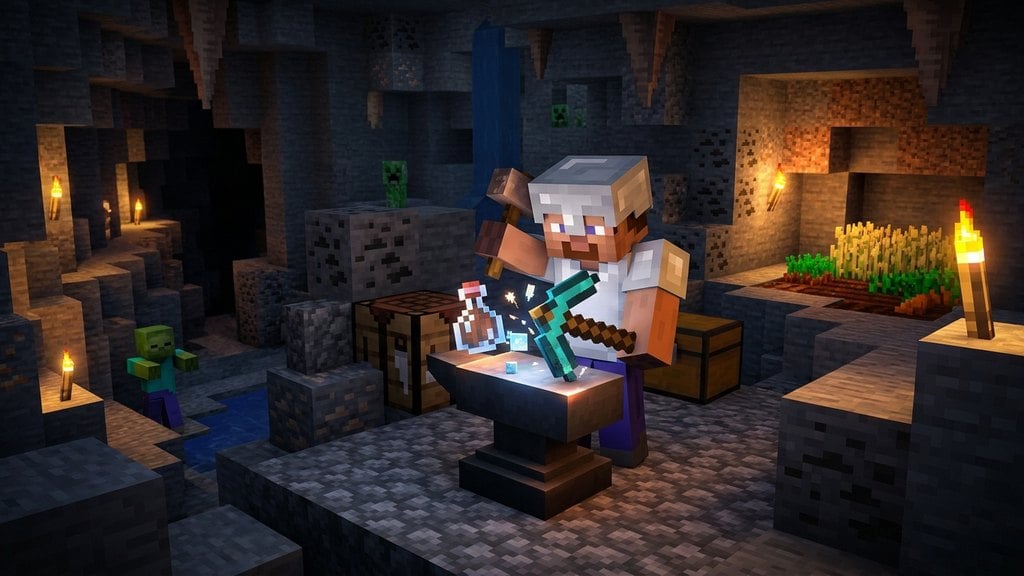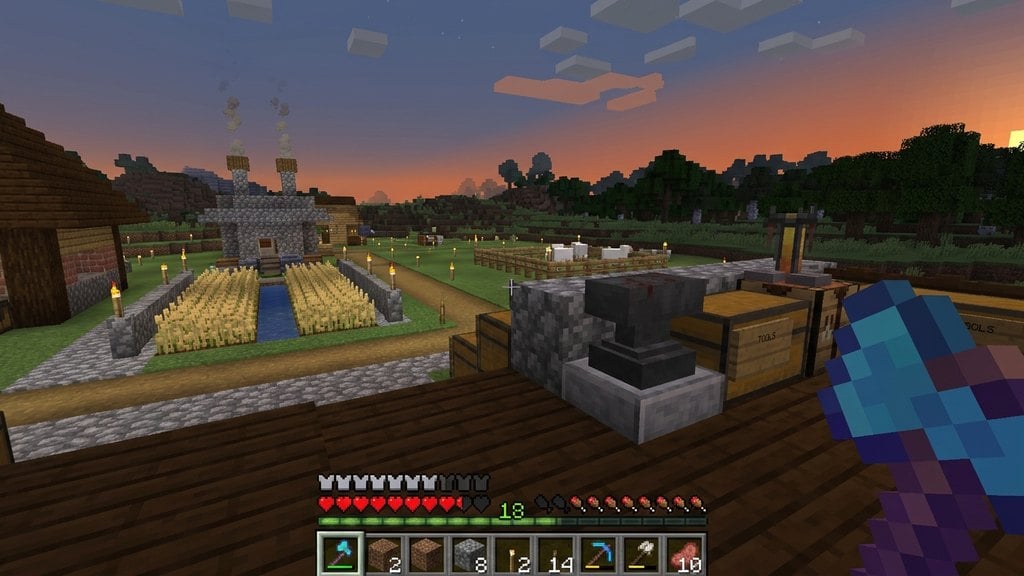
An anvils is one of the most useful utility blocks in Minecraft, allowing you to combine enchantments, repair damaged gear, and rename items. Whether you are playing Java or Bedrock Edition, mastering the anvil is essential for keeping your best gear in top shape.
Gather Materials and Craft an Anvil
To craft an anvil, you will need 3 iron blocks and 4 iron ingots (which equals 31 iron ingots in total). Open your crafting table, place the 3 iron blocks in the top row, 1 iron ingot in the exact center slot, and 3 iron ingots in the bottom row.
Once crafted, drag the anvil into your inventory and place it down on any solid block where you want your workshop.
Open the Anvil Interface
Right-click (Java Edition) or tap and interact (Bedrock Edition) with the placed anvil to open its interface. You will see three slots: two input slots on the left and center, and one output slot on the right, alongside a text box at the top for renaming items.
Combine or Repair Items
Place your main tool, weapon, or armor piece into the leftmost slot. To repair it or add new abilities, place a matching material (like an iron ingot for iron tools) or an enchanted book into the middle slot. If you want to learn more about preparing your gear first, check out our guide on How to Enchant Items.
Check the Experience Cost and Take Your Item
Look at the experience level cost displayed below the output slot. If you have enough XP levels, click the output item and drag it into your inventory. Be aware that using an anvil repeatedly on the same item increases its 'Prior Work Penalty', eventually making it too expensive to modify.
Frequently Asked Questions
Can I repair an item without losing its custom name or enchantments?
Yes! Combining an item with matching raw materials or another identical item in the anvil repairs durability while preserving all existing enchantments and custom names.
Why does the anvil say 'Too Expensive!' in Minecraft?
Every time you repair or modify an item on an anvil, its prior work penalty increases. Once the XP cost exceeds 39 levels, the game blocks the interaction and displays 'Too Expensive!'