Keeping your gear in working order is essential for survival in Minecraft. Whether you are using early-game wooden tools or late-game diamond and netherite gear, there are several effective methods to repair your items, remove unwanted enchantments, and extend the lifespan of your equipment.
Be careful not to over-repair items on an anvil. Once an item reaches the 'Too Expensive!' threshold in survival mode, you will no longer be able to modify or repair it.
Pair your Mending tools with a good XP source to ensure your gear repairs itself automatically while you play.
Gather Your Materials
Before you begin repairing, make sure you know what method you want to use. Standard repairs require either a second identical item, the base crafting material used to make the tool (such as iron ingots or diamonds), or specific enchantment books like Mending.
You will also want to set up your workstations, such as a grindstone or an anvil, depending on how advanced your repair needs are.
Use a Grindstone for Simple Repairs
If you want to combine two damaged tools of the same type without spending experience points, place them into a grindstone UI. This combines their remaining durability plus a five percent bonus, but be warned: this method will strip away any normal enchantments on the items.
Grindstones are also a great way to clear enchanted junk gear to reclaim a small amount of experience.
Combine Items in a Crafting Grid
For unenchanted tools and armor, you can place two damaged items of the exact same type into your inventory crafting grid or a crafting table. The durability of both items will be added together, creating a single repaired item with a small bonus.
This is a quick and cheap method early in the game before you have access to rare minerals or enchanted gear.
Repair with Raw Materials on an Anvil
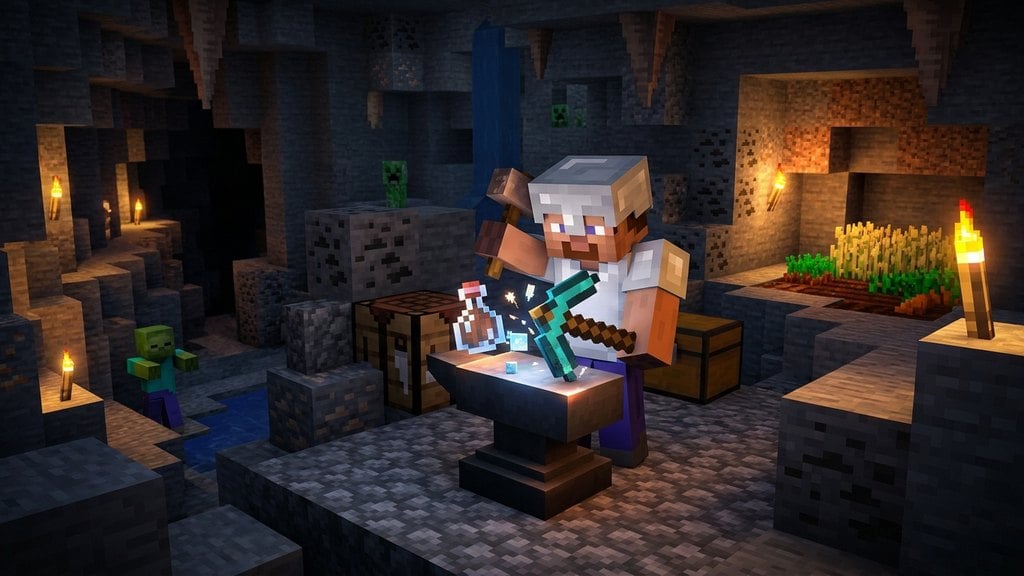
Open an anvil UI, place your damaged tool in the first slot, and place the corresponding repair material in the second slot (for example, iron ingots for iron pickaxes, or diamonds for diamond gear). Each material will restore a portion of the tool's durability.
This method preserves your enchantments, though each subsequent repair on the same item increases its prior work penalty and costs more experience levels.
Apply the Mending Enchantment
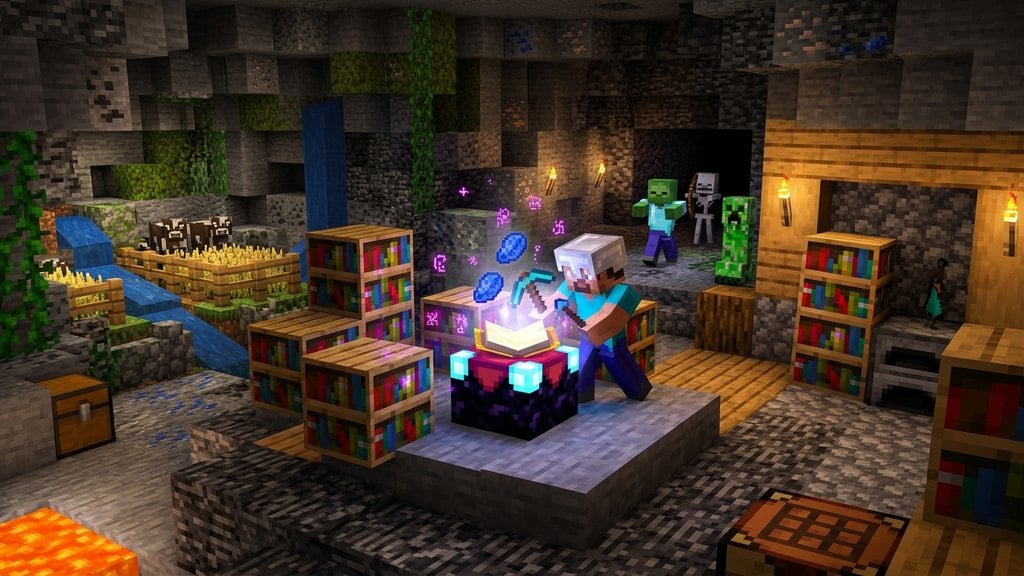
The ultimate way to maintain your equipment is by applying the Mending treasure enchantment. When a Mending-certified tool or piece of armor is equipped, any Experience Orbs you pick up will automatically repair the item's durability instead of filling your XP bar.
You can find Mending books through trading with librarians, fishing, or exploring loot structures.
Frequently Asked Questions
Can you repair Netherite tools?
Yes! Netherite tools and armor cannot be repaired directly with Netherite ingots in a standard crafting grid. Instead, you must use Netherite ingots at an anvil, or use the Mending enchantment.
Does a grindstone remove curses?
No. Grindstones can remove standard enchantments, but they cannot remove Curse of Binding or Curse of Vanishing.