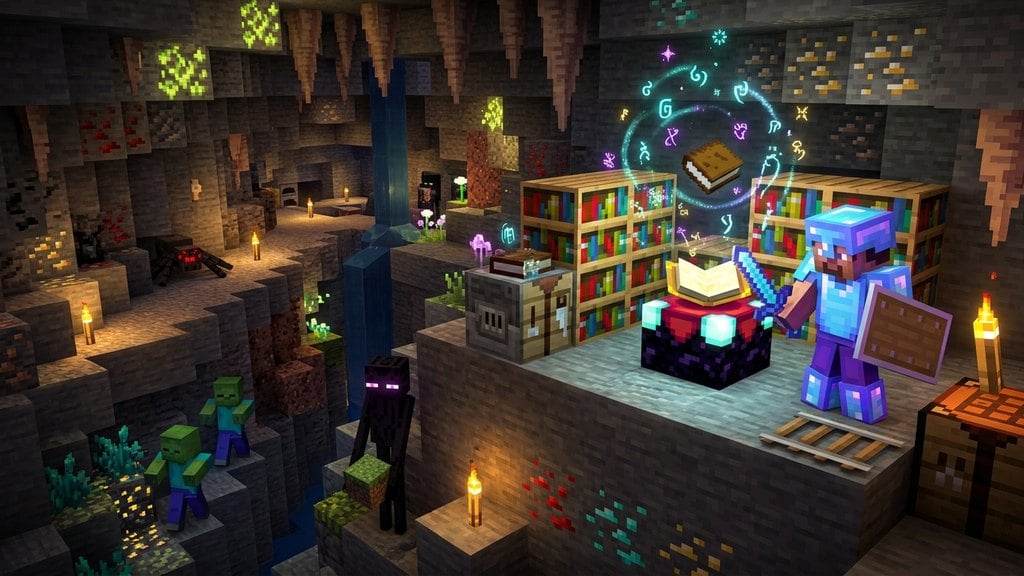
In vanilla Minecraft, traditional blocks like stone, dirt, and wood cannot be placed directly into an enchantment table or combined with an enchanted book. However, certain special functional blocks can receive specific enchantments, and you can also use commands to add custom enchantments to any block in the game!
Gather Your Enchantable Functional Blocks
Standard building blocks cannot be enchanted in survival mode. Instead, focus on functional blocks that accept enchantments, such as the Book & Quill (if considered an item-block) or specific items used in crafting. If you want to enchant physical placeable blocks, you will need to rely on game commands.
Before you begin enchanting your gear or experimenting with commands, make sure you know how to enchant items properly using standard survival mechanics.
Build and Prepare an Enchantment Table
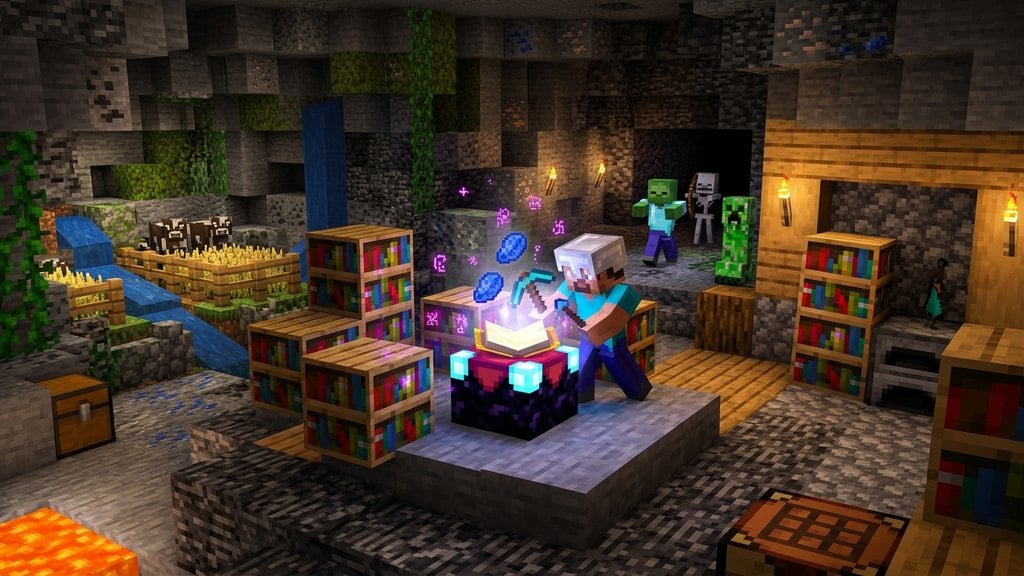
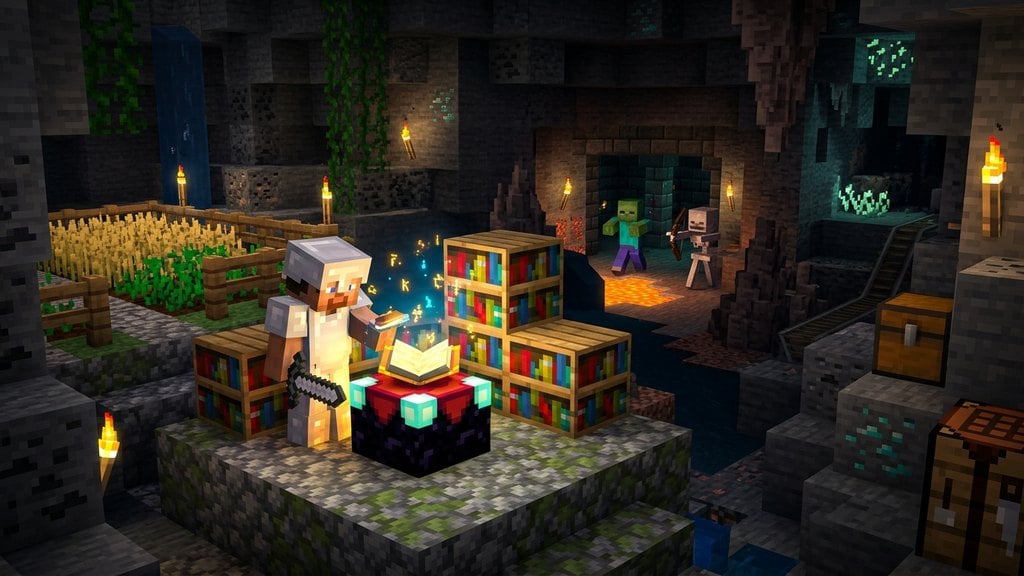
To apply standard enchantments to eligible items, craft an Enchantment Table using 4 obsidian, 2 diamonds, and 1 book. Place it down and surround it with up to 15 bookshelves to unlock level 30 enchantments.
If you need extra resources or experience levels to power your enchanting sessions, consider building an XP source like how to build xp farm to gather levels quickly.
Open Your Server or World Cheats
If you want to place enchantments on standard blocks (like giving a stone block Silk Touch or Sharpness), you must use commands. Ensure that cheats are enabled in your single-player world settings or that you have operator status on your multiplayer server.
Use the Enchant Command
In Java Edition, you can hold a placeable block in your hand and use the /enchant command if the game recognizes it as a valid target, or use the /give command with NBT data (or components in version 1.20.5+) to spawn an enchanted block directly into your inventory. In Bedrock Edition, command syntax may vary, so utilizing external editors or specialized command generators is often required for custom item components.
Place and Test Your Enchanted Block
Once you have successfully generated your custom enchanted block in your inventory, place it down in your world to test its properties. While regular blocks won't automatically gain active combat stats unless modified with specific attribute modifiers, they make fantastic custom items for adventure maps and custom mini-games.
Frequently Asked Questions
Can you put an enchantment table on any block?
No, an Enchantment Table must be placed on a standard solid surface. It cannot be placed on top of certain transparent blocks, rails, or half-slabs depending on the edition.
Can you put Silk Touch on a block?
In survival mode, Silk Touch is applied to tools like pickaxes and shovels to harvest fragile blocks. You cannot enchant the block itself with Silk Touch without using custom commands.