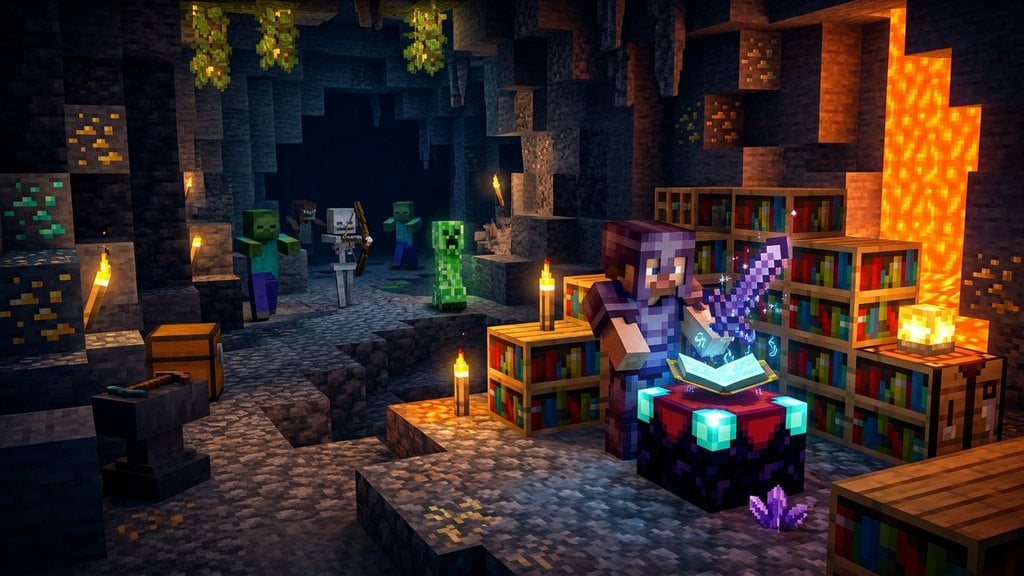
Creating the ultimate sword in Minecraft turns dangerous nighttime expeditions and boss battles into effortless victories. To craft the perfect weapon without hitting the dreaded "Too Expensive!" limit on your anvil, you must select the best enchantment loadout and combine your books in a balanced order.
Sharpness is the best general choice, but consider keeping a dedicated secondary sword with Smite V. Smite V allows you to one-shot standard undead mobs like Withers, Skeletons, and Wither Skeletons.
Be cautious when adding Knockback II. While helpful against creepers, it pushes ranged mobs like Skeletons away and makes farming grouped mobs slower.
Select Your Ideal Enchantment Loadout
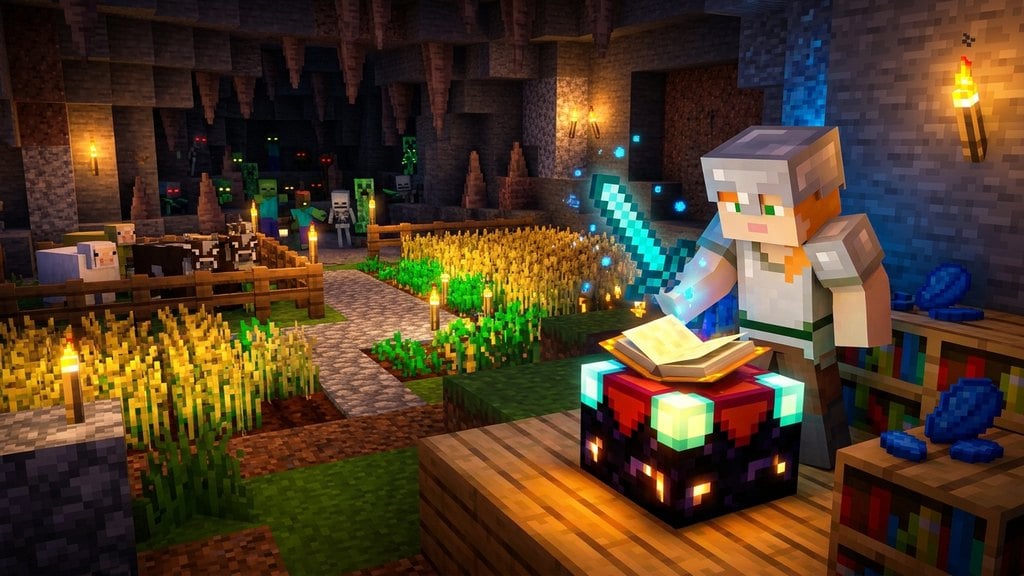
The undisputed best all-around sword loadout consists of Sharpness V, Unbreaking III, Mending, and Looting III. You can also add Fire Aspect II to cook animal drops and deal damage over time, plus Knockback II if you want extra space from creepers.
Note that Sweeping Edge III is exclusive to Java Edition and drastically increases multi-target sweep damage. In Bedrock Edition, Sweeping Edge does not exist because sword combat mechanics do not feature sweeping strikes.
Craft or Obtain a Diamond Sword
Begin with a freshly crafted Diamond Sword or upgrade a clean sword dropped by mobs. It is best to start with an unenchanted diamond sword so you have complete control over its anvil penalty and enchantment roster.
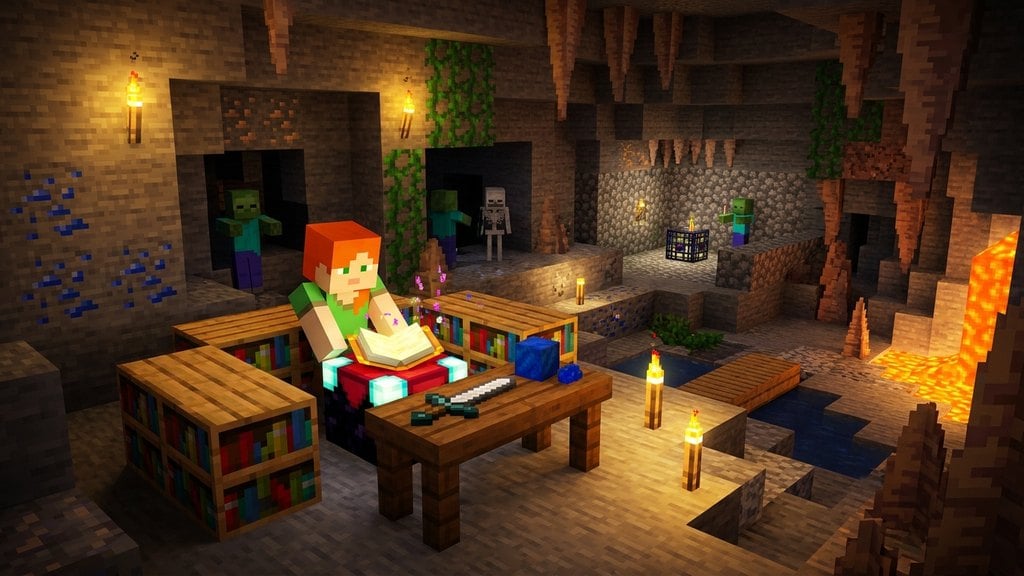
You can also read our guide on How to Enchant a Sword if you prefer rolling initial level 30 enchantments on an Enchanting Table before finishing the build with books.
Gather Your Enchanted Books and Experience
Collect the necessary enchanted books by trading with Librarian villagers, fishing, or finding loot in ancient structures. You will also need between 30 and 40 levels of experience to complete all anvil combinations.
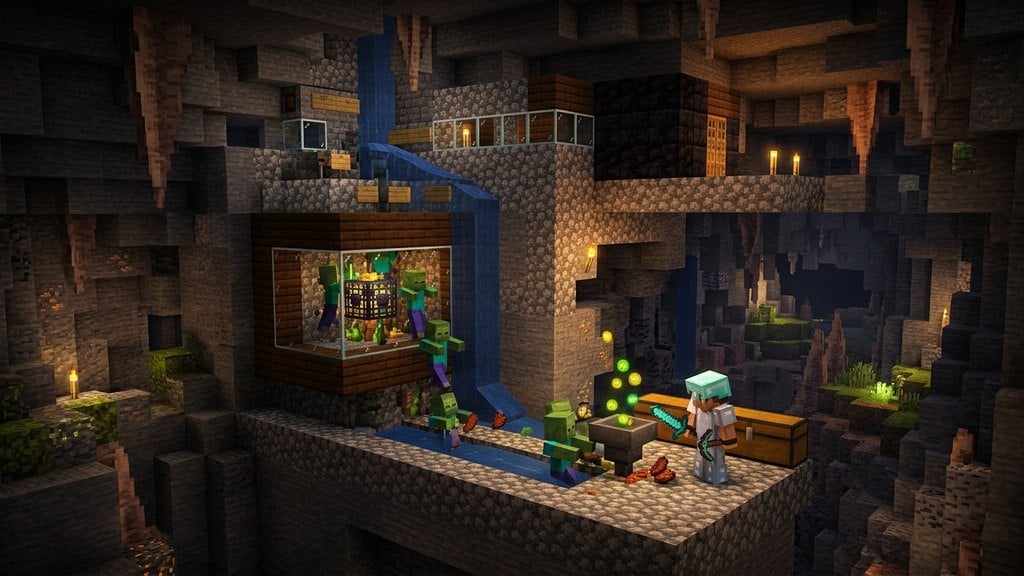
If you run low on experience or need books quickly, setting up an XP source via our guide on How to Build XP Farm will save you significant time.
Combine Your Books Using the Binary Tree Method
Every time an item passes through an anvil, its internal "prior work penalty" doubles. If you add books onto your sword one by one, the cost will quickly exceed 39 levels and trigger the "Too Expensive!" lockout.
Instead, combine your books in pairs first. For example, merge Book 1 with Book 2 to create Book A, and merge Book 3 with Book 4 to create Book B. Then, merge Book A and Book B together before applying the combined book directly to your sword using the steps in How to Use an Anvil.
Upgrade to Netherite at a Smithing Table
Once your sword holds all optimal enchantments, upgrade it to Netherite. Place a Netherite Upgrade Smithing Template, your enchanted Diamond Sword, and one Netherite Ingot into a Smithing Table.
Upgrading gives your sword increased durability, an extra point of attack damage, and immunity to burning in fire or lava if dropped.
Frequently Asked Questions
Can I put Sharpness and Smite on the same sword?
No. Sharpness, Smite, and Bane of Arthropods are mutually exclusive in standard survival. Applying one will replace or block the others.
Why does my anvil say "Too Expensive!"?
Anvils block any operation that requires 40 or more levels in Survival mode. This happens when an item has been repaired or enchanted too many individual times. Always combine books in pairs before adding them to your weapon to keep prior work penalties low.
Does Sweeping Edge work in Bedrock Edition?
No. Sweeping Edge is exclusive to Java Edition because Bedrock Edition uses a different combat system without sweeping attack cooldowns or area damage sweeps.