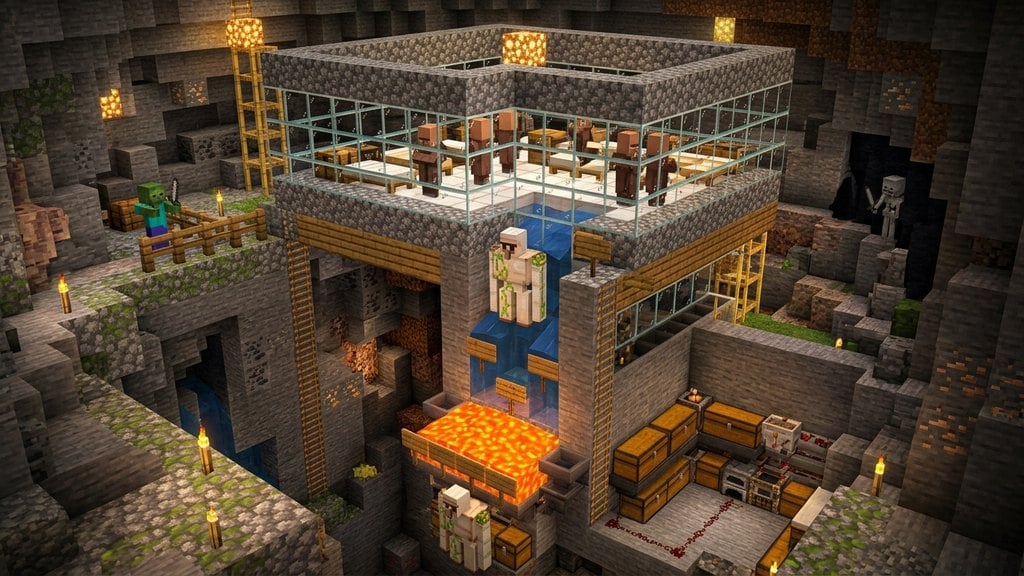
Hoppers are essential automation blocks in Minecraft that pull items from containers above them, collect loose items floating nearby, and push items into attached containers. Whether you want to automate your furnaces or collect loot from an iron farm, crafting and positioning a hopper correctly is a fundamental survival skill.
Powering a hopper with a redstone signal (such as a lit redstone dust wire, redstone torch, or lever) will freeze it, preventing it from pulling or pushing any items.
A regular hopper can only pull items sitting directly on top of it or through non-full blocks like slabs and path blocks. To collect loose items through a solid, full block, place a Minecart with Hopper on top of a rail above your hopper.
Smelt 5 Iron Ingots
You need five iron ingots to craft a single hopper. Mine Raw Iron underground using a stone pickaxe or better, then smelt it inside a furnace or blast furnace. If you already automated your resource gathering with a how to build iron farm setup, you can simply pull the ingots straight from your storage chests.
Craft a Wooden Chest
Chop down any tree to collect wooden logs, place them into your inventory crafting area to create planks, and open a Crafting Table. Place eight wooden planks around the border of the 3x3 grid, leaving the center slot empty, to craft one standard Chest.
Open Your Crafting Table
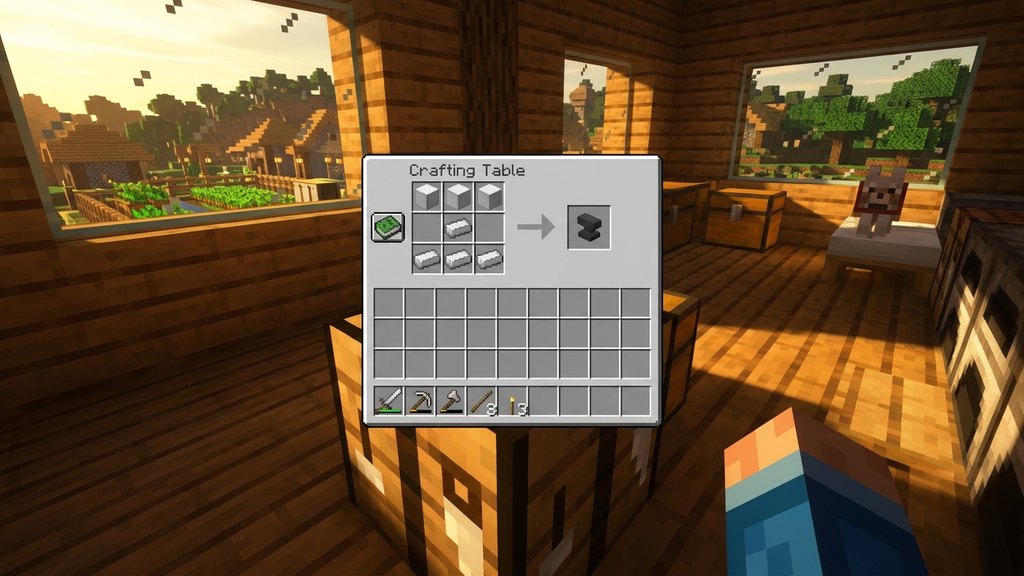
Right-click (Java) or press the secondary action button (Bedrock) on your Crafting Table to access the 3x3 crafting grid. A full 3x3 grid is required, so you cannot craft a hopper inside your default 2x2 player inventory grid.
Arrange the Iron and Chest
Place your Chest directly into the center slot of the crafting grid. Next, place the 5 Iron Ingots in a "V" shape around it: put one in the top-left, top-right, middle-left, middle-right, and bottom-center slots.
Take the Hopper into Your Inventory
Click or select the finished Hopper from the output slot on the right side of the crafting interface and move it into your hotbar. Each craft yields exactly one hopper.
Aim and Sneak-Place the Hopper
Hold the hopper and target the container or block you want it to feed into (such as a chest, barrel, or furnace). Learn how to crouch and sneak while placing it; holding Shift on PC or clicking the sneak button on consoles and mobile lets you attach the hopper directly against the container without accidentally opening its inventory menu.
Check the bottom "spout" (nozzle) of the hopper to verify its direction. The spout will point directly into whatever surface you clicked while placing it.
Frequently Asked Questions
Why isn't my hopper pushing items into my chest?
First, verify that the small spout at the bottom of the hopper is pointing directly into the chest rather than straight down into the floor. Second, check if any nearby redstone source (torch, lever, or wire) is active, as redstone signals lock hoppers. Finally, make sure the destination chest is not completely full.
Can I pick up dropped items automatically with a hopper?
Yes. Any item that lands inside the funnel on top of the hopper will be sucked into its 5-slot internal inventory automatically. You can test this if you know how to drop items onto the top opening.
Can hoppers push items upward?
No, hoppers can only push items sideways or downward through their nozzle spout. To move items upward, you will need to feed your hopper into a dropper elevator or a bubble column elevator.