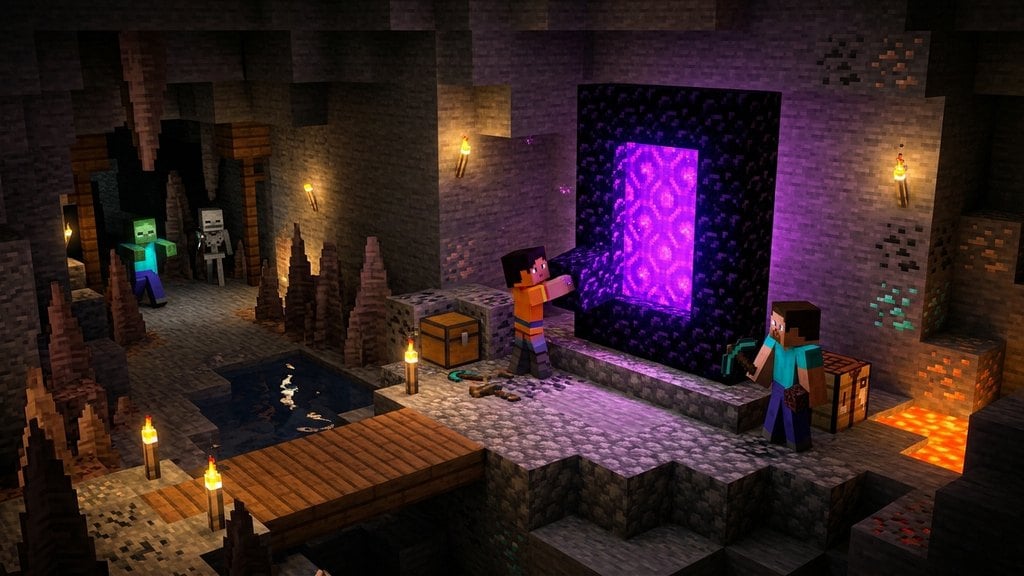
While natural End Portals generate exclusively in underground strongholds, you can construct a working Ender Portal anywhere in both Java and Bedrock Editions using Creative mode. The key to successfully opening the portal is standing inside the frame ring while placing the blocks so they face inward correctly.
If your portal does not light up after placing all twelve eyes, the frame blocks were placed from the outside and are facing the wrong direction. Break the frames, stand strictly in the center, and replace them.
Want to visit the other realm first? Check our guide on How to Build a Nether Portal to explore the Nether before heading to the End.
Switch to Creative Mode and Get Materials
End Portal Frame blocks cannot be collected in standard Survival gameplay, even with Silk Touch. Switch to Creative mode or use How to Change Game Mode with a Command, then open your Creative inventory to grab 12 End Portal Frames and 12 Eyes of Ender.
Stand in the Center of Your Build Area
Pick a flat area with at least a 5x5 footprint. Step into the middle of where your portal will be and remain standing there while placing the frames. Portal frame blocks have hidden directional facing, and they must point inward toward the center point to activate.
Place Twelve End Portal Frames Around You
Without moving from the center, rotate your view and place 3 End Portal Frame blocks on each of the four sides to create an outline around a 3x3 empty square. Do not place any frame blocks in the four corners, leaving them completely empty.
Insert the Eyes of Ender
Hold an Eye of Ender and use your place button (right-click on PC, or the left trigger on consoles) on each of the 12 frame blocks. You can step outside the ring before placing the final eye to avoid falling into the portal immediately upon opening.
Jump into the Activated Portal
Once the 12th Eye of Ender is inserted, the central 3x3 gap will instantly fill with a dark, starry portal texture. Step into the pool to teleport directly to the central island of the End dimension to challenge the Ender Dragon.
Frequently Asked Questions
Can you build an Ender Portal frame in Survival mode?
No. End Portal Frame blocks are indestructible in Survival mode and drop nothing when mined. You must find an existing stronghold portal room or use Creative mode or commands to place them.
Why didn't my portal activate when I placed all 12 Eyes of Ender?
The frames must face toward the center 3x3 space. If you placed the blocks while walking around the outside perimeter, their orientation is sideways or outward, which prevents the portal from activating.
Do the corner blocks matter when building an End Portal?
No. End Portals do not require corner blocks. You can leave the four corners completely empty or fill them with decorative blocks without affecting the portal function.