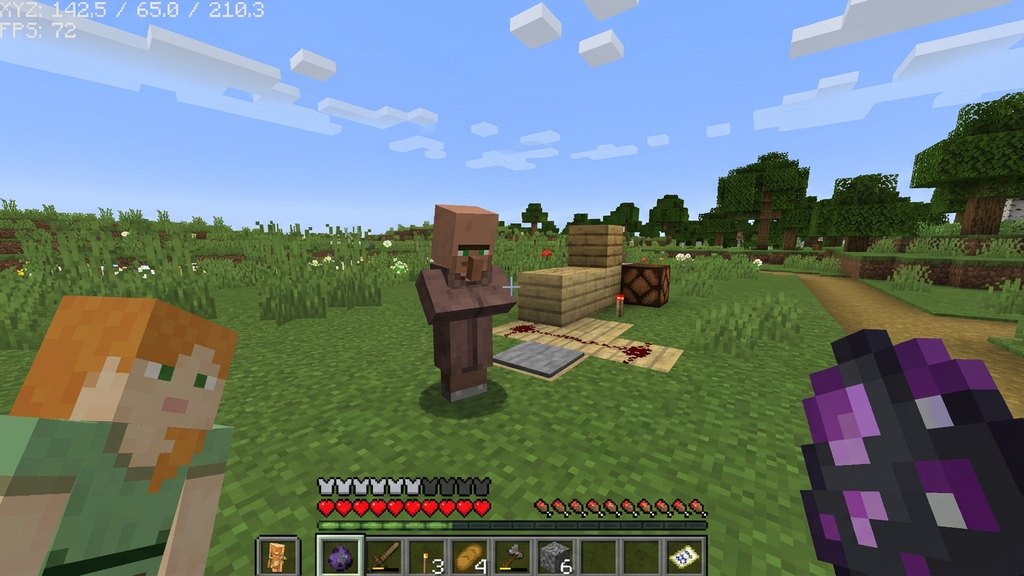
Spawning a Non-Player Character (NPC) in Minecraft is a fantastic way to populate custom maps, adventure worlds, or mini-games with interactive characters. While standard survival worlds rely on regular entities like villagers—similar to what you might interact with when you breed villagers—custom NPCs offer advanced dialogue, buttons, and command execution. This guide walks you through spawning and customizing an NPC in both Minecraft Java and Bedrock editions.
Enable Cheats in Your World
Before you can spawn an NPC, you must make sure that cheats are turned on in your world settings. If cheats are disabled, commands will not work, and you will not be able to access the necessary tools.
In Java Edition, you can open to LAN and turn cheats on if they were initially off. In Bedrock Edition, open your world settings menu and toggle the Cheats switch to the ON position.
Open the Chat Window
Next, open your in-game chat window to type the spawn command. Press the T key on PC, tap the chat icon on mobile devices, or press the right directional button on your controller.
Ensure you have operator (OP) status if you are playing on a multiplayer server, as standard players cannot execute administrative commands.
Enter the NPC Summon Command
In Bedrock Edition, type the command /summon npc and press enter. This will instantly place a customizable NPC right where you are standing.
In Java Edition, vanilla survival and creative mode do not include a built-in NPC entity by default. Java players typically use custom map-making tools, plugin frameworks like Citizens, or specific datapacks to spawn and manage functional NPCs.
Open the NPC Settings Menu
Once the NPC has successfully spawned in Bedrock Edition, approach the character and interact with it (use your secondary action or interact button, usually right-click or left trigger).
This opens up the NPC editor interface, where you can begin customizing the character's appearance, name, and dialogue options for players to read.
Customize Name and Appearance
Inside the NPC editor panel, you can type a custom name into the text box at the top, which will hover permanently above the character's head.
You can also click on the character model picker to select from a wide variety of preset skins, ranging from guards and scientists to shopkeepers and villagers.
Add Dialogue and Advanced Commands
Type a custom message into the dialogue box so the NPC speaks to players when clicked. You can also assign advanced commands that execute automatically when a player interacts with the NPC or clicks a specific button in the dialogue menu.
When you are finished configuring your character, simply close the menu, and your custom NPC will be ready for action!
Frequently Asked Questions
Can you spawn NPCs in Java Edition without mods?
No, the native /summon npc command is exclusive to Bedrock Edition (Windows, consoles, and mobile). Java Edition players need to use server plugins or mods to add custom NPCs.
Can NPCs move around after being spawned?
By default, spawned NPCs remain completely stationary and will rotate their heads to look at nearby players. They do not wander around like normal mobs or villagers.