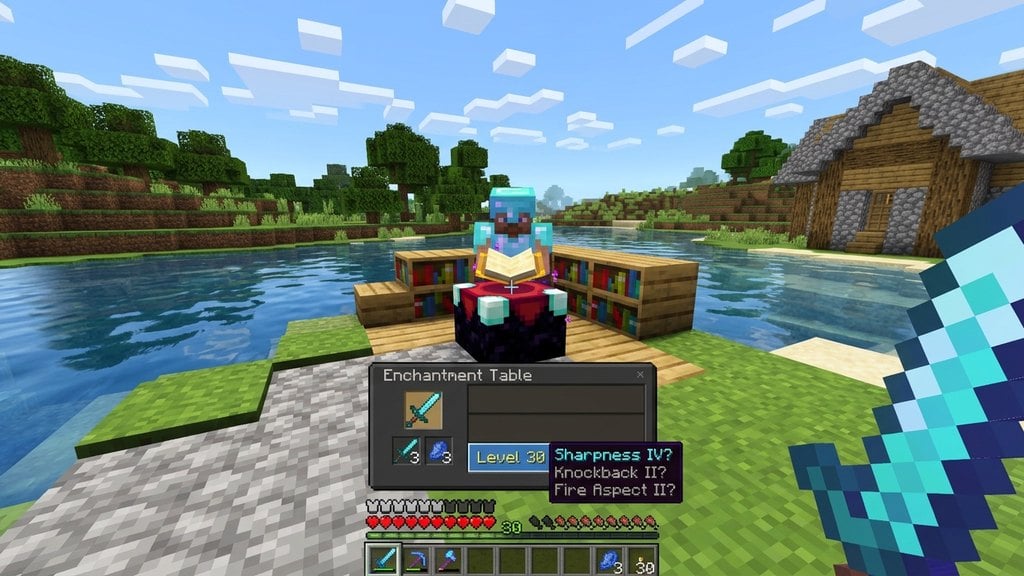
Spawning items in Minecraft is a quick and efficient way to test builds, try out gear like how to enchant diamond sword, or bypass endless resource gathering. Whether you play Java Edition or Bedrock Edition, you can instantly give yourself any block or item in the game using simple built-in features.
You can also use the /give command to spawn items for other players by replacing @s with their specific username.
Using cheats and commands will permanently disable achievements and trophies on that specific Bedrock Edition world.
Enable Cheats in Your World
To use item-spawning commands, your world must have cheats enabled. If you are creating a new world, look in the world settings menu and toggle Allow Cheats to ON.
If you are already playing in an existing single-player world on Java Edition, press the Esc key, click Open to LAN, select Allow Cheats: ON, and click Start LAN World.
Open the Chat Window
Once cheats are enabled, enter your game world and open the text chat interface. On PC, press the T key or the forward slash / key. On console and mobile editions, tap the chat icon at the top of your screen.
Type the Give Command
In both Java and Bedrock Edition, you use the /give command to spawn items directly into your inventory. Type /give @s followed by the specific item name you want to spawn.
For example, typing /give @s diamond 64 will instantly place a stack of 64 diamonds straight into your inventory slots.
Use Auto-Complete for Item Names
Minecraft features a helpful auto-complete tool to help you find exact item identifiers. As you start typing after /give @s , a list of matching blocks and items will appear above your chat box.
Press the Tab key on Java Edition to cycle through suggestions, or tap the item name on Bedrock Edition to complete the command without spelling errors.
Alternative: Switch to Creative Mode
If you do not want to use commands, you can instantly spawn items by switching your game mode to Creative. Open your chat and type /gamemode creative to change your mode.
Once in Creative mode, open your inventory menu to access every item, tool, and block in the game freely without typing individual codes.
Frequently Asked Questions
Can I spawn enchanted items using commands?
Yes, Java Edition allows complex NBT data tags in commands to spawn pre-enchanted gear. On Bedrock Edition, it is usually easier to spawn the base item and then visit an anvil or enchanting table.
Do I need OP status to spawn items on a multiplayer server?
Yes, you must be a server operator (OP) with administrative permissions to use the /give command or change game modes on multiplayer servers.