Whether you lost track of your home after an expansive exploration trip or you are scouting for player settlements on a multiplayer server, tracking down bases requires a keen eye and the right navigation tools. By understanding navigational mechanics and recognizing signs of player activity, you can reliably locate any base in both Java and Bedrock Edition.
Increase your render distance and turn off clouds in your video settings when searching open plains or ocean biomes to spot base silhouettes and light pillars from much further away.
On multiplayer servers with land-claim or anti-griefing plugins, entering or raiding another player's claimed base without permission may violate server rules.
Use Coordinates and World Spawn Navigation
The most reliable way to locate a base is by checking your coordinates. On Java Edition, press F3 to open the debug overlay and read your XYZ coordinates. On Bedrock Edition, toggle on Show Coordinates in the world settings to keep them displayed in the top-left corner of your screen.
Standard compasses always point directly toward the original world spawn point. If your base is built near world spawn, following a compass needle will guide you straight back home.
Navigate with a Lodestone Compass
For bases established far from world spawn, craft a Lodestone using a netherite ingot surrounded by chiseled stone bricks. Interacting with a Lodestone while holding a compass converts it into a Lodestone Compass that permanently locks onto that exact block location across dimensions.
You can even learn how to enchant compass tools with Curse of Vanishing or rename them on an anvil so you never lose track of specific base waypoints.
Search Along Nether Travel Highways
Every block traveled in the Nether equals eight blocks in the Overworld, making Nether tunnels the primary transit method for established bases. Travel into the Nether and scout along cardinal directions (X and Z axes) or near the Nether ceiling for player-carved tunnels, bridges, or transport rails.
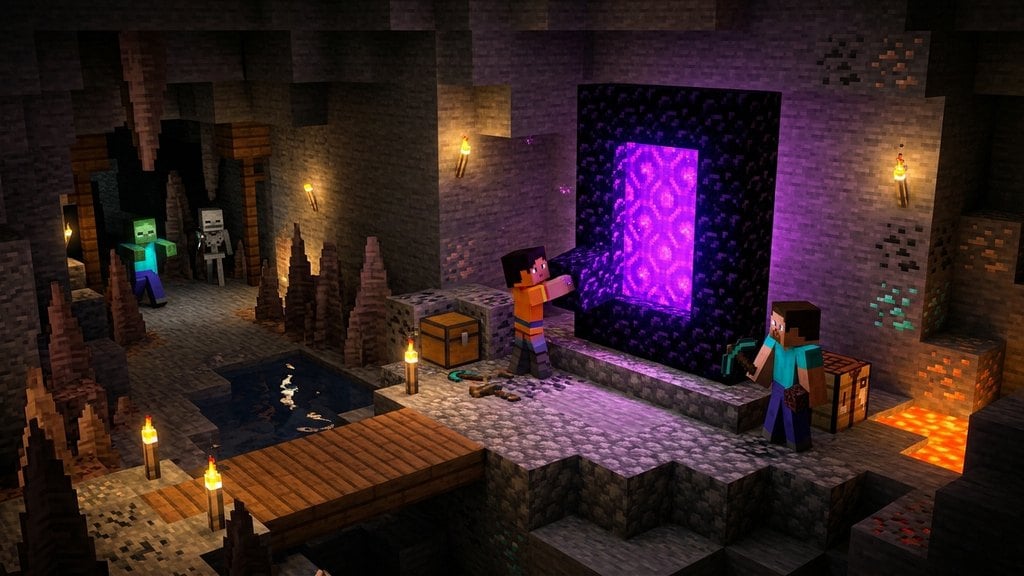
Following these pathways frequently leads directly to an active portal. Knowing how to build a Nether portal allows you to step through and emerge right inside or above an unknown base.
Spot Sky Markers and Beacon Beams
Active bases often feature massive landmarks or vertical light shafts. Players frequently construct tall dirt, cobblestone, or glass towers topped with torches to spot their settlement from a distance.
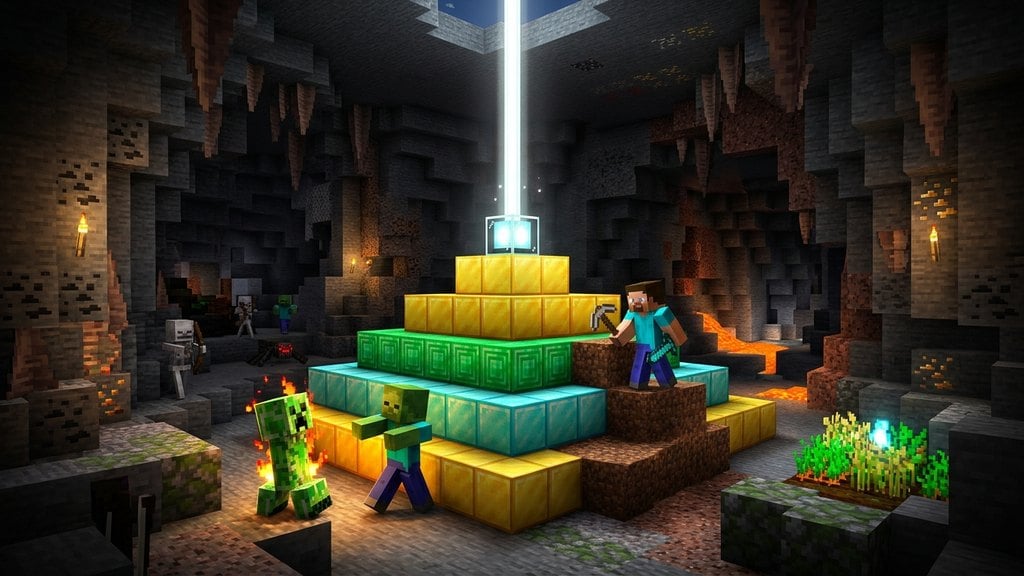
Late-game bases often power active beacons that shoot an intense beam of light hundreds of blocks into the sky. If you know how to build beacon structures, you can use their vertical beams as unmistakable markers visible through fog and clouds at high render distances.
Scout for Unnatural Terrain Modifications
When searching for hidden or underground bases, look for subtle disturbances across the landscape. Common telltale signs include floating tree canopies with missing trunk logs, torch paths, strip-mine entrances, patched cave openings, or flat clearings in dense forests.
Check ocean surfaces for bubble columns produced by soul sand water elevators, or monitor riverbeds and shorelines for sudden changes in gravel and dirt patterns that hint at underground excavation.
Enable Subtitles to Detect Hidden Underground Activity
Underground bases produce distinct audio cues that penetrate through solid stone. On Java Edition, go to Options > Audio Settings and toggle Show Subtitles to ON.
Subtitles display text prompts and directional arrows whenever nearby sounds occur. Watch your screen for prompts indicating opening chests, furnace crackling, clinking hoppers, piston extensions, or concentrated groups of farm animals and villagers located deep beneath your feet.
Frequently Asked Questions
How do I find my base if I died without noting the coordinates?
Craft a Recovery Compass using one compass surrounded by eight Echo Shards found in Ancient Cities. A Recovery Compass always points directly toward the spot of your most recent death, leading you back to where you died near or inside your base.
Can Eyes of Ender help locate a player base?
No, Eyes of Ender exclusively locate naturally generated Strongholds containing End Portals. They do not track player-made structures or bases.
Why does my compass not point to my bed?
In vanilla Minecraft, regular compasses strictly point to the global world spawn point, not your personal respawn bed. To make a compass point to your bed or base, you must right-click it onto a Lodestone placed at that spot.