Exploring your world without getting lost is a crucial milestone in Minecraft, and crafting a map is the best way to document terrain and mark your bases. Whether you are playing on Java Edition or Bedrock Edition, this guide walks you through gathering materials, crafting your first map, and navigating your surroundings with ease.
Place your finished maps inside an Item Frame on a flat wall to snap multiple adjacent maps together into an impressive full-room world display.
In Java Edition, maps always show the player marker by default. In Bedrock Edition, check whether your item is an Empty Map or an Empty Locator Map before setting off on long expeditions.
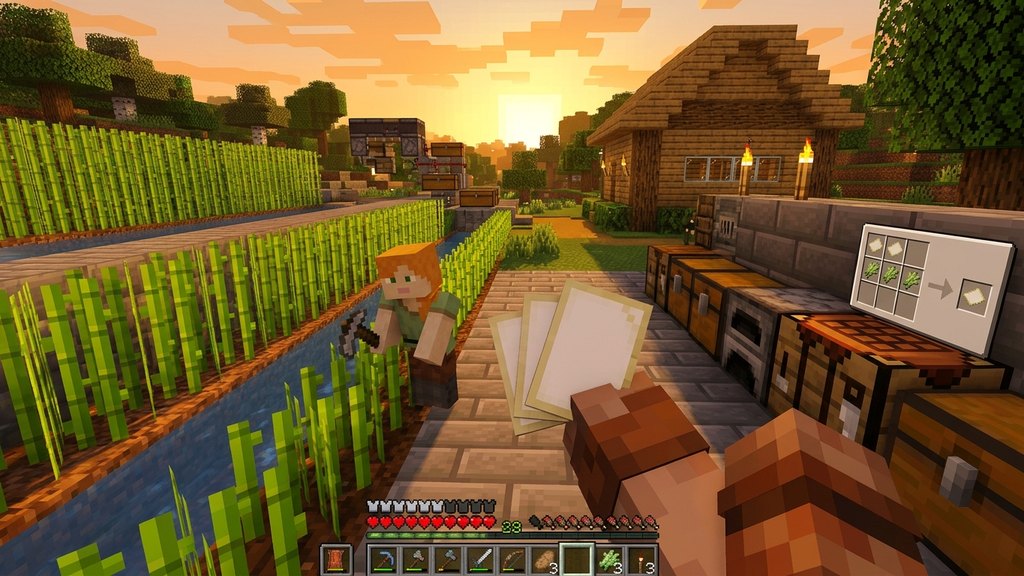
Collect Sugar Cane to Make Paper
Maps require paper as their primary material. Search along riverbanks, swamps, or beaches for sugar cane stalks. Place three pieces of sugar cane horizontally across a crafting grid to produce three sheets of paper. You will need at least eight sheets of paper to craft a standard locator map. Learn more about the process in our guide on how to craft paper.
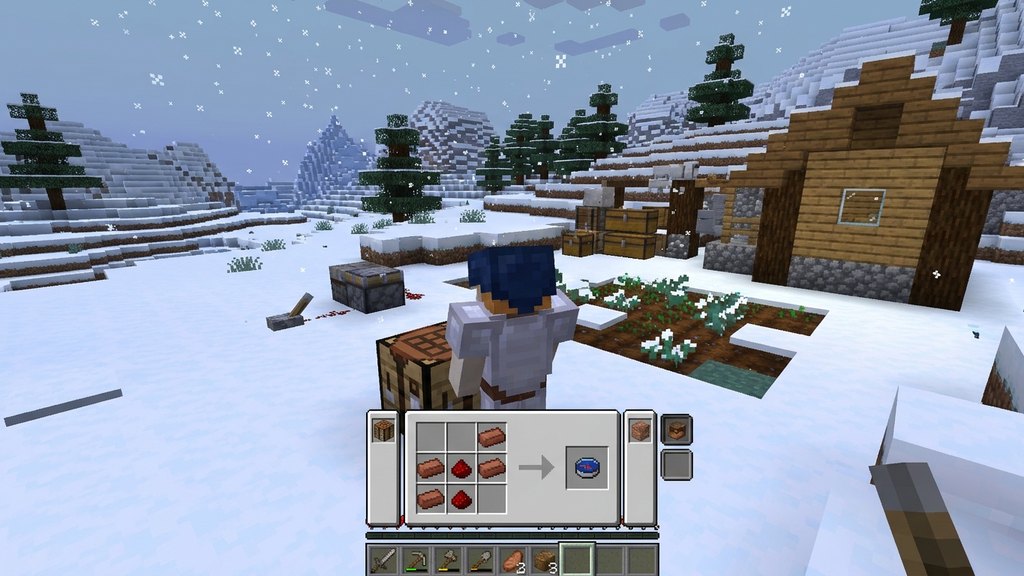
Craft or Find a Compass
To see your position and heading on a map, you need a compass. Combine four iron ingots arranged in a diamond shape with one piece of redstone dust in the center on a crafting table. You can follow our walkthrough on how to craft compass if you need mining and layout tips.
Assemble the Map on a Crafting Table
Open a crafting table and place your compass in the center slot. Fill all eight surrounding slots with paper to create an Empty Map (in Java Edition) or an Empty Locator Map (in Bedrock Edition).
In Bedrock Edition, you can also fill all nine slots with paper without a compass to craft a basic Empty Map, but this version will not display your player cursor.
Use a Cartography Table to Save Resources
An even cheaper method is using a cartography table, crafted from two paper placed over four wooden planks. In Java Edition, placing a single sheet of paper inside a cartography table immediately creates an empty map. In Bedrock Edition, place one paper and one compass together in the cartography table to produce an Empty Locator Map without needing eight sheets of paper.
Hold and Open Your Map to Initialize It
Equip the newly crafted map in your main hand or off-hand and press the use key (right-click on PC, or the use button on console and mobile). The blank parchment will transform into an active map, drawing the terrain immediately beneath and around you.
Frequently Asked Questions
How do I zoom out or expand my map in Minecraft?
Place your active map into a cartography table along with a single sheet of paper to increase its scale from level 0/4 up to 4/4. You can also do this in a regular crafting table by surrounding the active map with eight sheets of paper.
Can I mark points of interest on my map?
In Java Edition, right-click on a placed banner while holding your active map to mark that spot with the banner's color and custom name. In Bedrock Edition, banner markers are not supported, but locator maps will display other players holding maps of the same area.