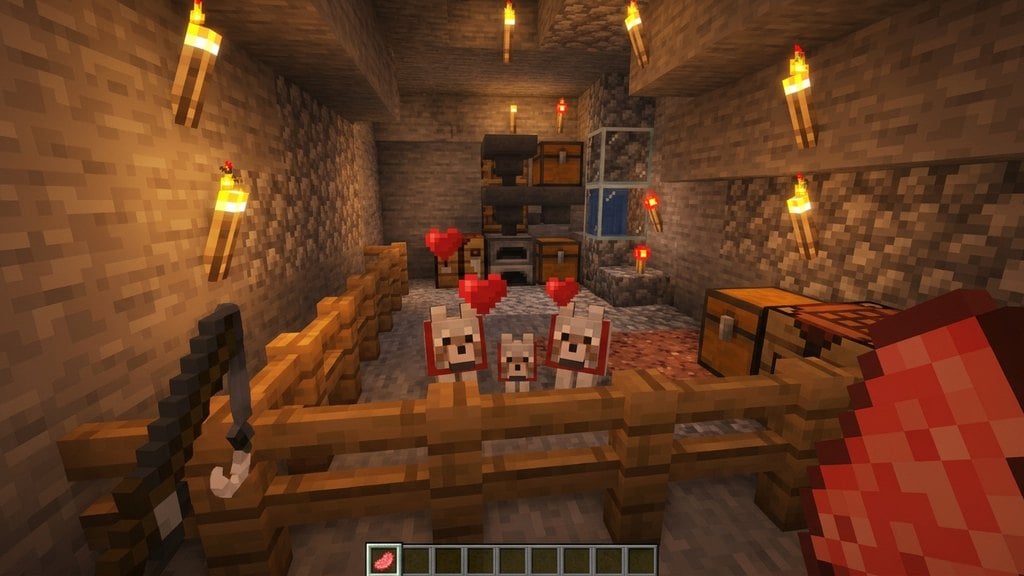
While the jerboa is a famous desert critter in gaming, it does not exist as an official mob in vanilla Minecraft across Java Edition or Bedrock Edition. To encounter and tame a jerboa in your world, you will need to install a wildlife mod or Bedrock add-on, or turn to official desert companions like camels and rabbits. This guide covers how to set up, locate, and tame a jerboa using community mods, along with the best vanilla alternatives available in current updates.
Always read the documentation for your specific mod. Some mods require you to drop seeds on the ground rather than hand-feeding the jerboa directly.
Jerboas have very small health pools in modded packs. Avoid holding weapons or tools when interacting with them so you do not accidentally strike and eliminate your pet.
Install a Jerboa Mod or Add-On
Because jerboas are not native to vanilla Minecraft, start by downloading a creature mod or add-on. Java Edition players can install popular wildlife mods using mod loaders like Forge, NeoForge, or Fabric, while Bedrock Edition players can import animal add-ons directly from creator communities or the Marketplace.
Always make sure the mod matches your current Minecraft version (1.21+) so that desert spawns and mob animations work without errors.
Locate a Desert or Badlands Biome
Once your mod is active, journey across your world to find a desert or badlands biome. Mod developers almost always set jerboas to spawn in warm, sandy terrain, frequently near cactus patches, desert wells, or dead bushes.
Jerboas are small and naturally timid. Look carefully across sand dunes at dusk or night, and avoid sprinting so you do not scare nearby mobs away before you spot them.
Prepare Seeds or Desert Crops
Check your specific mod's guide for its preferred taming food. Most wildlife mods use standard agricultural items such as wheat seeds, melon seeds, pumpkin seeds, or small berries to tame rodent mobs. In survival mode, you can quickly gather seeds by punching grass or learning how to farm crops.
Place the food in your primary hand so the jerboa notices the treat when you draw near.
Crouch and Feed the Jerboa
Hold your sneak key (Shift on Java Edition, or the crouch toggle on Bedrock Edition) to approach the jerboa quietly. Sneaking prevents skittish wildlife from fleeing in panic.
When you are within reach, right-click (or press the interact button on Bedrock) to feed the jerboa. Continue feeding it until red heart particles burst overhead, signaling that the jerboa is officially tamed.
Command and Carry Your Pet
Once tamed, you can interact with your jerboa with an empty hand to order it to sit or follow you, just like a tamed wolf or cat. Keep it seated inside your base whenever you embark on dangerous mining runs or boss fights.
Many popular mods also allow tamed jerboas to perch directly on your player character's shoulder. If your mod supports this feature, simply walk into your sitting pet to lift it up.
Explore Vanilla Desert Alternatives
If you play strictly unmodded vanilla Minecraft, you cannot tame a jerboa, but you can still collect native desert wildlife. Golden rabbits roam desert dunes and can be captured using leads and bred in pens, while camels can be tamed and ridden with saddles. Check out our guide on how to breed animals to start your own desert ranch.
Frequently Asked Questions
Are jerboas in vanilla Minecraft?
No. Jerboas do not exist in vanilla Minecraft on either Java Edition or Bedrock Edition. You must install a third-party mod or add-on to add them to your game.
Can you tame wild rabbits in vanilla Minecraft instead?
You cannot tame rabbits like dogs or cats in vanilla Minecraft. However, you can lead them with a lead, lure them with carrots or dandelions, and breed them inside secure enclosures.
What vanilla pets can ride on your shoulder?
In vanilla Minecraft, only parrots can ride on your shoulders. Tame jerboas that ride shoulders are exclusive to custom mods and Bedrock add-ons.