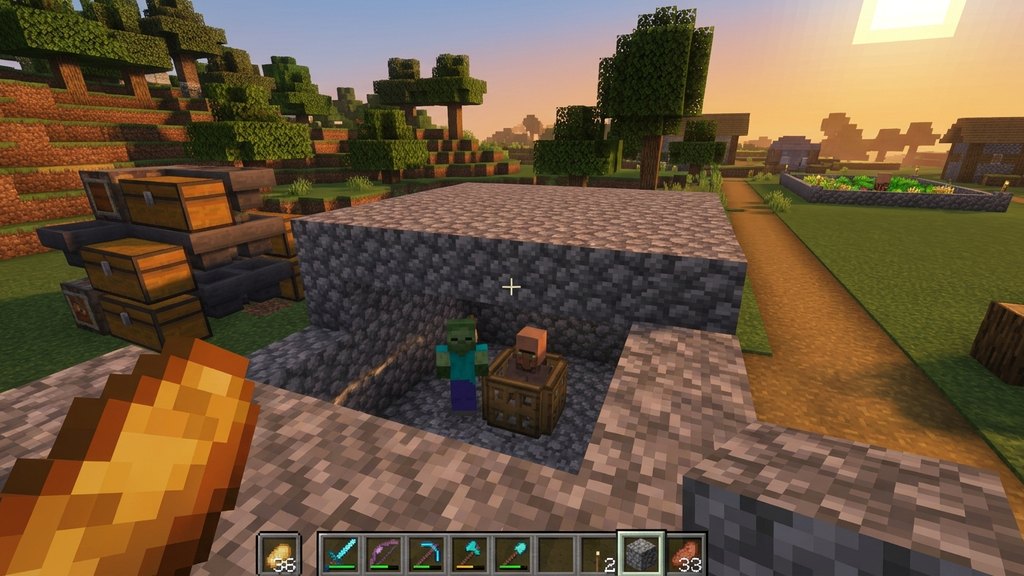
Zombies are one of the most common and iconic hostile mobs in Minecraft. Whether you want to test your combat skills, set up an experience farm, or see how to cure a zombie villager, knowing how to spawn them efficiently is very useful.
Zombies will burn in direct sunlight if they are not wearing a helmet or standing in water, so keep them in shaded areas if you want them to survive the daytime.
Spawn eggs and commands work identically in both Java and Bedrock Edition, making them the fastest method for testing setups.
Wait for Nightfall or Find a Dark Area
The most natural way to encounter zombies is by playing in Survival mode. When the in-game sun sets, light levels drop below 8 on the surface, allowing zombies to spawn naturally across the world.
You can also explore dark underground caves, abandoned mineshafts, or deep forests where light levels are consistently low enough for zombies to appear.
Locate a Monster Spawner Underground
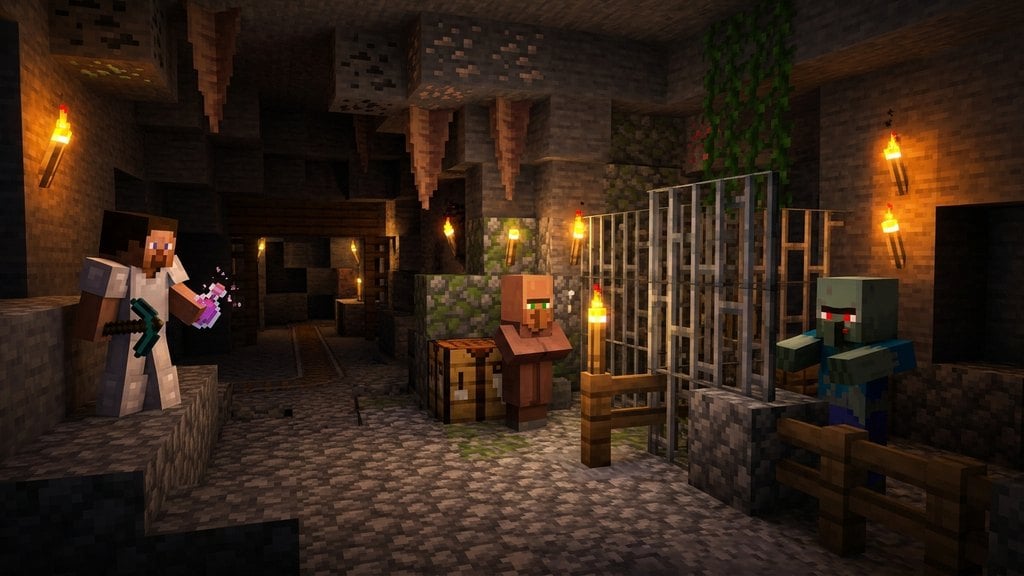
If you need a reliable, renewable source of zombies, search for dungeon structures while exploring caves. Dungeons feature a caged block called a Monster Spawner surrounded by cobblestone and mossy cobblestone.
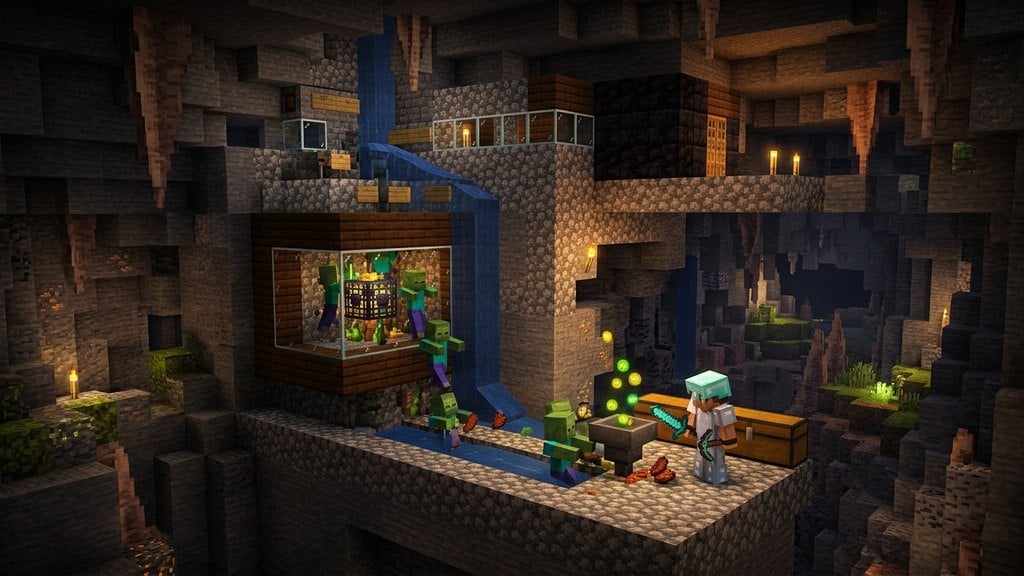
As long as the light level inside the dungeon is low enough and you stay close by, the spawner will continuously generate zombies for you.
Use a Zombie Spawn Egg in Creative Mode
If you are playing in Creative mode, you can instantly place a zombie by using a Zombie Spawn Egg. Open your inventory, search for the green and blue spawn egg, and equip it to your hotbar.
Aim at any solid block in front of you and right-click (or press the corresponding placement button on consoles and mobile) to spawn a brand new zombie.
Open the Chat Window for Commands
If you have cheats enabled in your world, you can spawn zombies instantly using the game's command system. Press the T key on Java Edition, right on the D-pad on consoles, or tap the chat icon on mobile devices to open the chat window.
Ensure you have permission to use commands if you are playing on a multiplayer server or realm.
Type and Execute the Spawn Command
Type the command /summon zombie into the chat box and press enter. This will immediately spawn a standard zombie directly at your exact coordinates.
If you want to spawn a zombie at a specific location, you can add coordinates after the command, such as /summon zombie ~ ~ ~.
Frequently Asked Questions
Can I spawn baby zombies using commands?
Yes! In Java Edition, you can use /summon zombie ~ ~ ~ {IsBaby:1b} to spawn a baby zombie. In Bedrock Edition, spawn mechanics for baby variants happen randomly, but you can use custom commands or spawn eggs until one appears.
Why aren't zombies spawning naturally around me?
Natural spawning requires the local light level to be 7 or lower. Make sure you are not playing on Peaceful difficulty, as hostile mobs do not spawn on that setting.