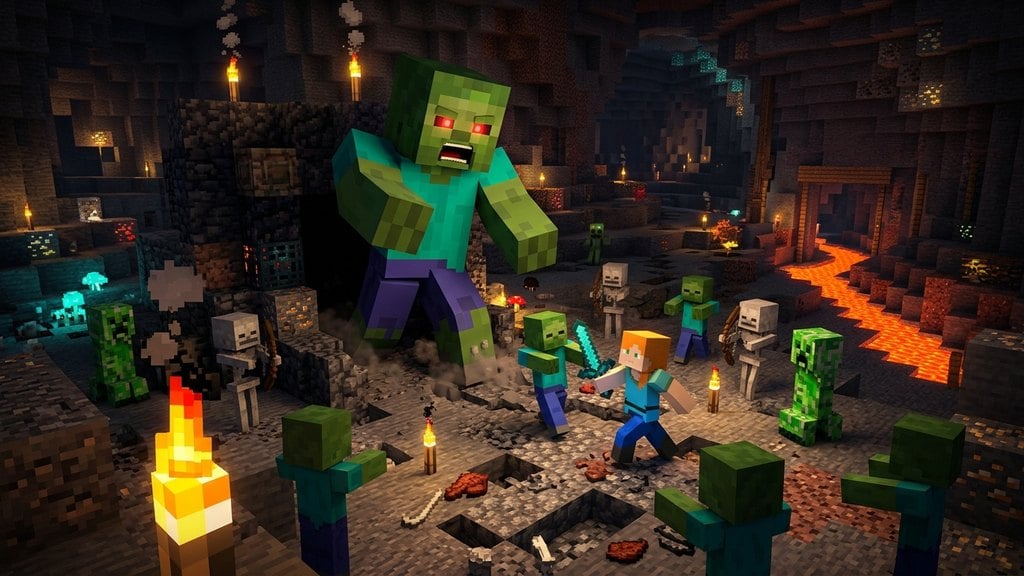
Want to add a colossal challenge to your world? The Giant is an unused, oversized variant of the standard zombie that towers over regular mobs. Because it doesn't spawn naturally during normal gameplay, you will need to use commands to summon it. Before you begin, check out our guide on How to Spawn a Command Block if you prefer automation, or simply open your in-game chat to use standard commands.
Enable Cheats in Your World
Giant Zombies can only be summoned using administrative commands, which require cheats to be turned on. If you are creating a new world, navigate to the world settings and make sure that Allow Cheats is toggled to ON. If you are playing on an existing single-player world, open the game menu, click Open to LAN, and select Allow Cheats: ON before starting the LAN world.
Open the Chat Window
Once you are in your world with cheats enabled, you need to open the chat interface to type the summon command. Press the T key on your keyboard if you are playing Minecraft Java Edition, or tap the chat icon at the top of your screen if you are on a touch device. Make sure you have enough open space around you, as Giants are massive and need plenty of room to appear properly without suffocating inside blocks.
Type the Giant Summon Command
Type the exact summon command into your chat box. In Minecraft Java Edition 1.21+, type /summon giant and press Enter. This will instantly spawn a brand new Giant Zombie directly at your coordinates. Note that the Giant mob is currently a Java Edition exclusive feature and is not available via standard commands in Bedrock Edition.
Interact With or Clear Your Giant
After spawning the Giant, you will notice it stands about twelve blocks tall. While it has a massive health pool and a menacing look, keep in mind that vanilla Giants lack standard AI behavior in unmodded Minecraft, meaning they will stand still rather than chase players unless modified. If you want to remove the Giant from your world, simply target it and type /kill @e[type=giant,limit=1,sort=nearest] in your chat.
Frequently Asked Questions
Can you spawn a Giant Zombie in Minecraft Bedrock Edition?
No, the Giant mob is exclusive to Minecraft Java Edition. Bedrock Edition commands do not recognize the giant entity without the use of third-party behavior add-ons or mods.
Do Giant Zombies attack players?
In vanilla Java Edition, Giants do not have AI, meaning they will not move, attack, or react to players naturally. They serve mostly as a fun novelty or a map-making decoration.