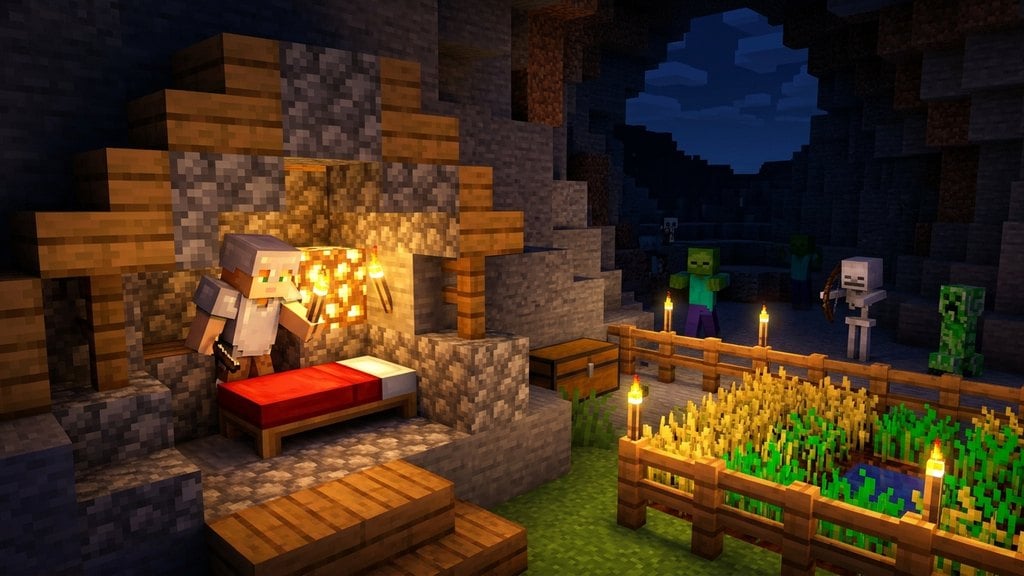
Sleeping in Minecraft is essential for skipping dangerous nighttime monsters and updating your personal spawn point so you return safely if you perish. Follow this quick guide to craft your first bed and master the art of resting.
Gather Materials
To build a standard bed, you need two types of basic materials: wood and wool. Chop down trees to collect 3 blocks of any wood type, then turn them into wooden planks using your crafting grid.
Next, find 3 blocks of wool by shearing or defeating sheep roaming in grassy biomes. All 3 pieces of wool must match the exact same color.
Craft a Bed
Open your crafting table to combine your items. Place your 3 wooden planks in the bottom row of the 3x3 crafting grid, and place your 3 matching wool blocks directly in the middle row.
Drag the resulting bed into your inventory hotbar. You can use different colored wools to create unique bed designs, though standard white wool works just fine.
Place the Bed in a Safe Shelter
Select the bed in your hotbar and right-click (or tap on mobile devices) on any solid floor block to place it down. Make sure you place it inside a well-lit, enclosed shelter to keep hostile mobs away while you rest.
If monsters are wandering too close to your bed, or if you are standing too far away, the game will prevent you from sleeping with an error message.
Sleep Through the Night
Wait until evening or nighttime falls, or wait for a thunderstorm to roll in during the day. Right-click or tap the bed to climb in.
As soon as you lie down, the night will fast-forward, clearing out the darkness and resetting your personal spawn point to that exact location.
Understand Respawn Mechanics
When you successfully sleep in a bed, a chat message confirms that your home point has been set. If you die later in the game, you will respawn right next to this bed instead of the world's original starting point.
Do not break or destroy your bed, and make sure it remains unobstructed, or your spawn point will reset back to the world spawn when you try to use it again.
Frequently Asked Questions
Why does the game say 'You may not rest now, there are monsters nearby'?
This warning appears when hostile creatures like zombies, skeletons, or spiders are lurking within a 16-block radius of your bed. Eliminate the nearby monsters or improve your base lighting to sleep safely.
Can I set my spawn point without sleeping?
Yes, Java Edition players can use the /spawnpoint command with cheats enabled, but beds are the standard survival method for both Java and Bedrock editions.