Enchanting books in Minecraft lets you save specific magic powers and apply them to your favorite tools, weapons, and armor whenever you are ready. This guide covers both editions of the game, helping you create enchanted books and transfer their powers using an anvil. If you want to expand your magical collection, you might also want to read How to Enchant Books for more advanced tips.
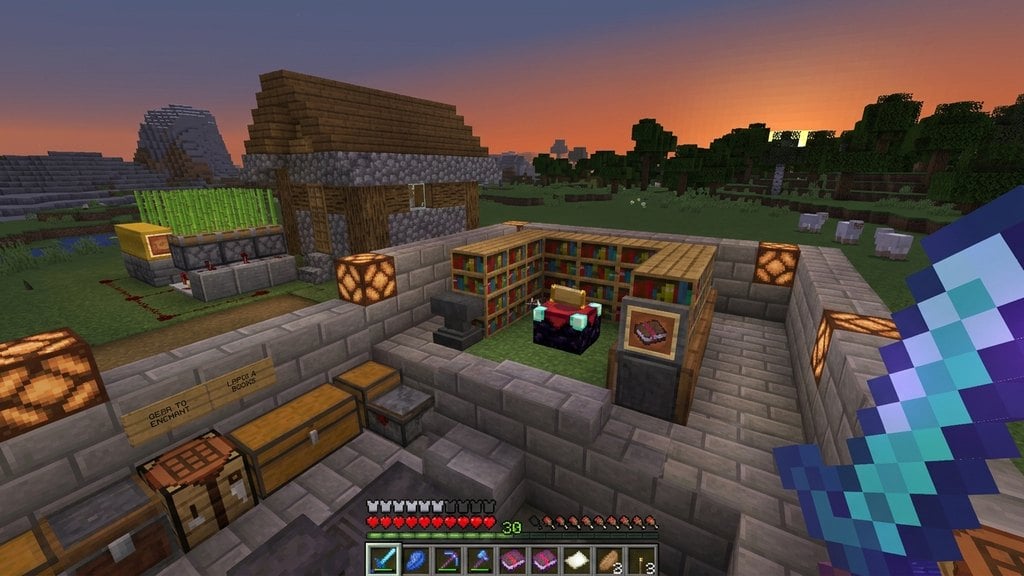
Surrounding your Enchanting Table with up to 15 bookshelves with a one-block gap will increase the maximum level of enchantments you can get.
Combining too many enchantments on the same item will eventually make future upgrades "Too Expensive!" in survival mode.
Craft Paper and Leather
To make a book, you first need paper and leather. Gather sugarcane near water sources and craft three pieces of paper using a crafting table. Next, defeat cows or horses to collect leather.
Combine one piece of leather with three pieces of paper in your crafting grid to craft a book.
Place Your Book on an Enchanting Table
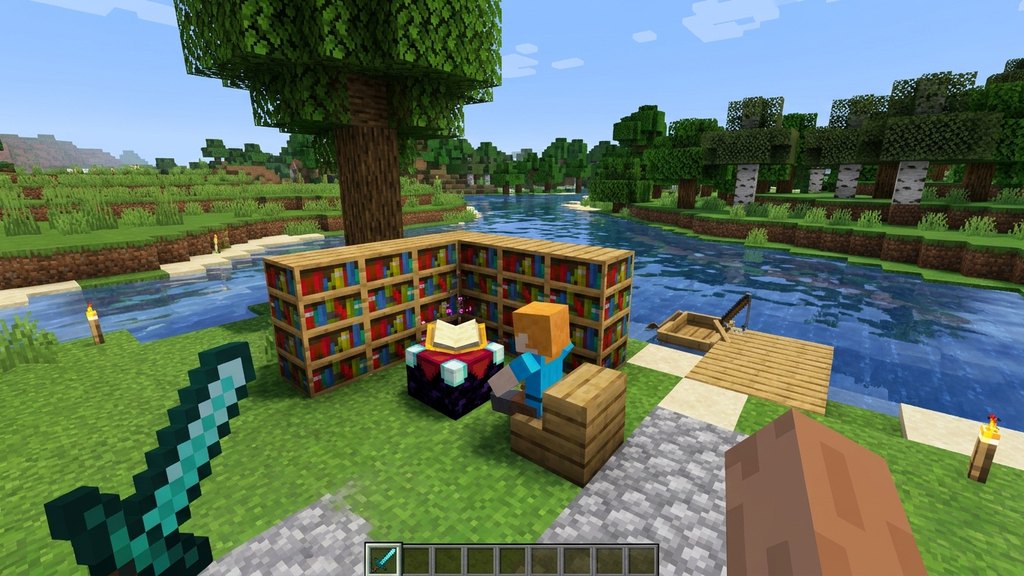
Open your Enchanting Table interface and place your book into the bottom-right slot. Place lapis lazuli into the adjacent slot. The three options on the right side will display random enchantment previews.
Keep in mind that enchanting a book directly gives you random enchantments based on your experience levels. For more specific upgrades, you can trade with librarian villagers instead.
Collect Your Enchanted Book
Select one of the three glowing enchantment options on the right side of the table interface. This will consume your experience levels and lapis lazuli to produce an enchanted book.
Hover your cursor over the resulting book in both Java and Bedrock Edition to view which special traits and levels it holds.
Set Up an Anvil
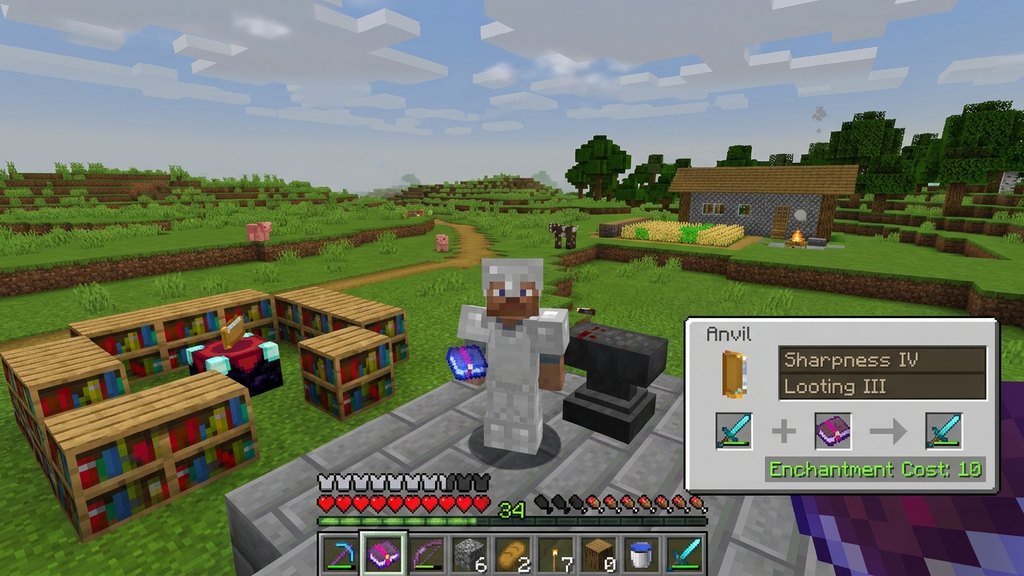
To apply your newly created enchanted book to your gear, craft an anvil using four iron blocks and three iron ingots. Place the anvil down on the ground and right-click it to open the menu.
You can also check out guides like How to Enchant Items to learn more about preparing your gear for upgrades.
Combine Your Book and Equipment
Place your target equipment (such as a sword, pickaxe, or piece of armor) into the first slot of the anvil, and place your enchanted book into the second slot.
If the combination is valid, the resulting enchanted item will appear in the output slot on the right. Pay the required experience cost to complete the process and claim your upgraded gear.
Frequently Asked Questions
Can I put any enchantment on any item using a book?
No, the enchantment must match the item type. For example, damage enchantments go on weapons, while protection enchantments go on armor.
Do I need experience levels to use an anvil with books?
Yes, combining enchanted books with items at an anvil costs experience points, with higher-level enchantments requiring more levels.