Enchanting your gear properly turns ordinary tools and armor into indestructible endgame equipment. However, simply slapping books onto an item at random can lead to wasted experience levels or the frustrating "Too Expensive!" limit on an anvil. By setting up a max-level enchanting station and combining books strategically, you can create perfect gear efficiently in both Java Edition and Bedrock Edition.
Surround Your Enchanting Table with 15 Bookshelves
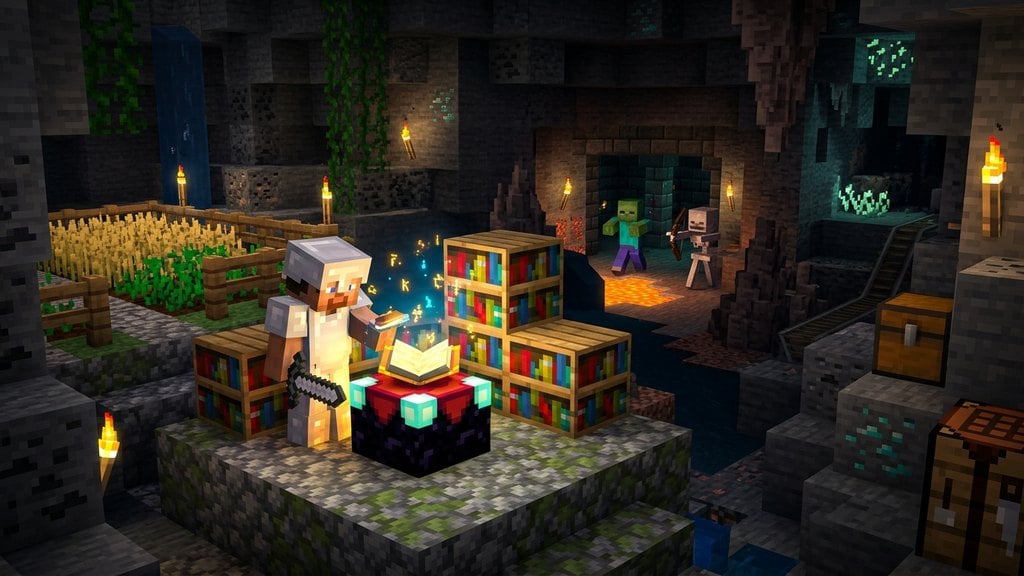
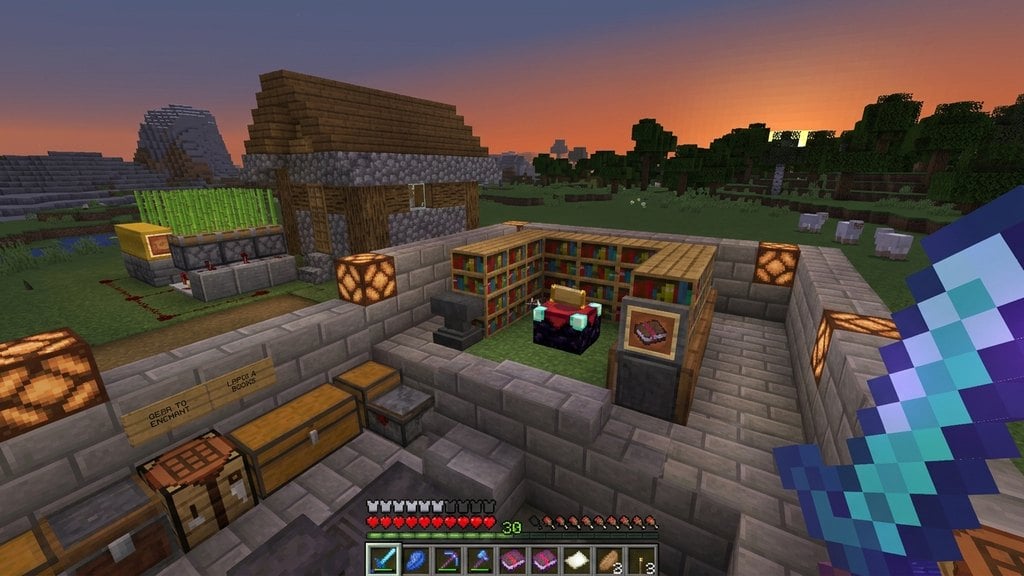
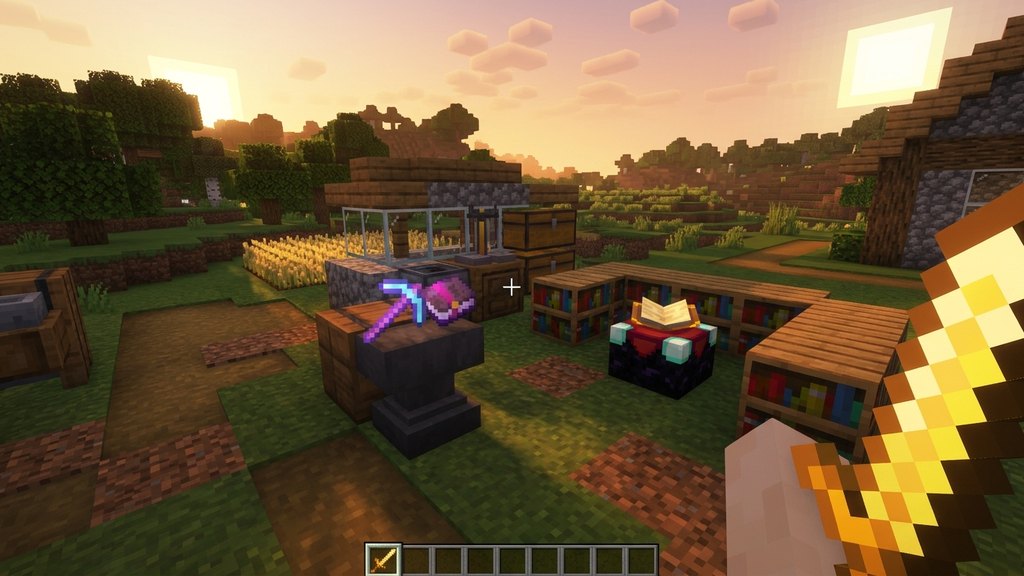
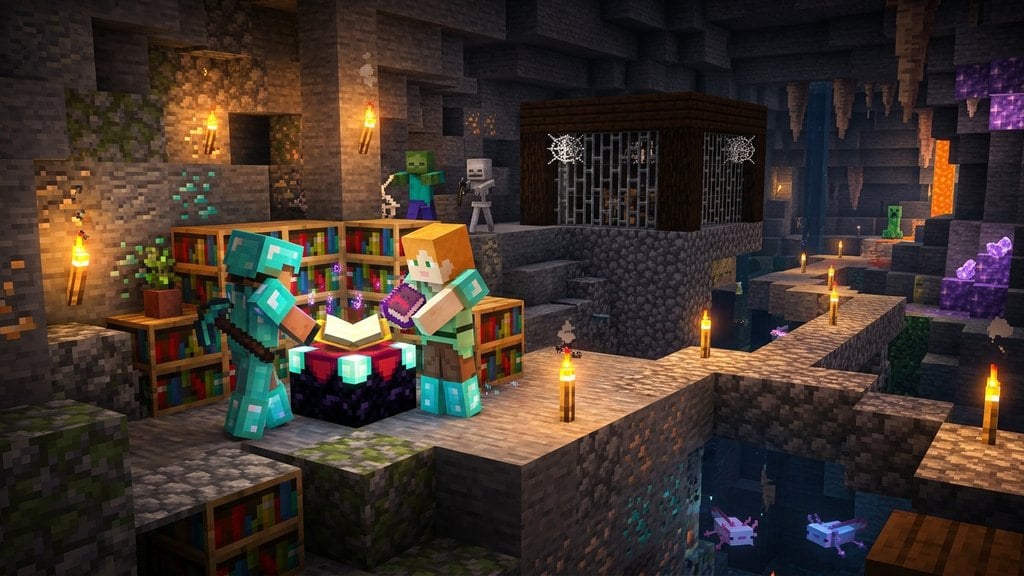
Place your Enchanting Table in the center and arrange 15 bookshelves around it with exactly one block of empty air space between the table and the shelves. A standard 5x5 footprint leaving the corners open or filled provides the required boost.
Ensure no torches, carpets, snow, or grass blocks occupy the space between the shelves and the table, as any block will obstruct the glyph particles and lower the available enchantment levels below level 30.
Gather Experience Levels and Lapis Lazuli
You need to reach at least Level 30 on your experience bar to unlock the strongest enchantments, and each roll consumes 1 to 3 levels along with 1 to 3 pieces of Lapis Lazuli. Building an efficient setup like an XP farm will supply you with unlimited levels quickly.
Roll and Reset Your Enchantment Table Offers
Place your item and Lapis Lazuli into the table to preview the guaranteed enchantment shown on the bottom tier. If you do not like the offer, do not waste 3 levels on it. Instead, place an unwanted wooden tool or plain book and purchase the cheapest 1-level enchantment to reset the table seed.
Check the preview again with your main tool or piece of gear until you get a powerful primary enchantment like Unbreaking III, Fortune III, or Protection IV.
Acquire Additional Enchantments Using Books
Enchanting tables rarely grant every enchantment you need in a single roll, and treasure enchantments like Mending cannot appear in the table at all. Obtain enchanted books through fishing, raid drops, dungeon chests, or trading with Librarian villagers.
You can also use the enchanting table directly on blank books by following our guide on how to enchant books to store desirable modifiers for later use.
Combine Items Using the Binary Tree Method
Every time an item passes through an anvil, its internal "Prior Work Penalty" doubles, which quickly causes the repair cost to exceed the 39-level anvil limit. To avoid this, combine your books in pairs before applying them to your weapon or armor.
For example, combine Book A with Book B to make Book 1, and combine Book C with Book D to make Book 2. Then combine Book 1 and Book 2 into a single master book before finally adding it to your item in one final anvil operation.
Check Anvil Placement Order Before Finalizing
When combining any two items or books in the anvil, always test swapping the left and right slots. The anvil calculates the target item cost and sacrifice item cost differently.
Swapping the order often reveals a substantial difference in experience cost, sometimes saving 5 to 10 levels on a single operation while giving you the exact same finished item.
Frequently Asked Questions
What does the Too Expensive error mean in an anvil?
In survival mode, the anvil locks any operation that costs 40 levels or more. This happens when an item accumulates too high of a Prior Work Penalty from repeated anvil uses.
Can I remove enchantments if I get a bad roll?
Yes. Placing an enchanted item into a Grindstone removes all non-curse enchantments, wipes its Prior Work Penalty, and returns a small portion of the experience spent.
Can Mending and Infinity be put on the same bow?
No. Mending and Infinity are mutually exclusive in survival mode on both Java Edition and Bedrock Edition. You must choose between infinite standard arrows or self-repairing durability.