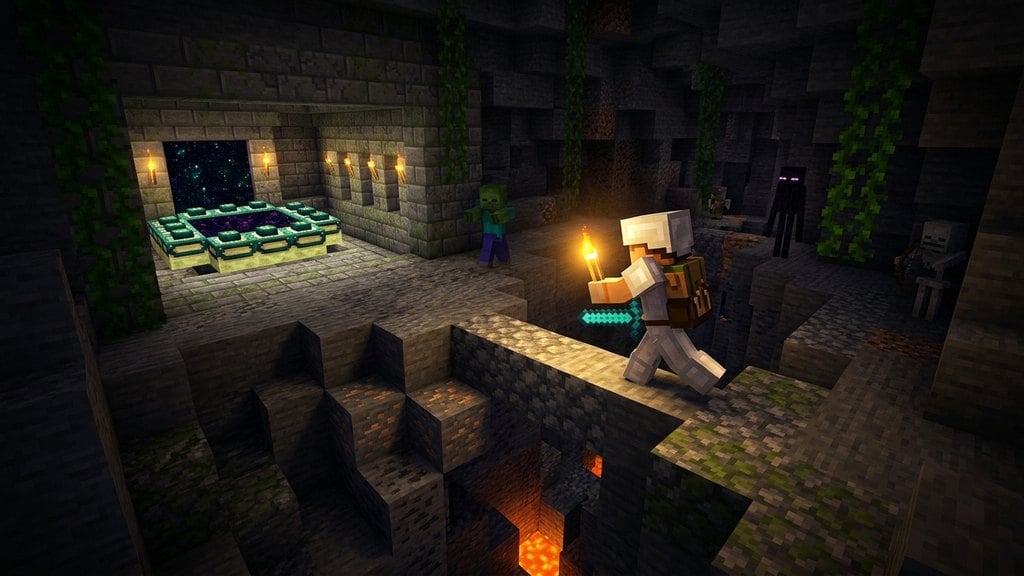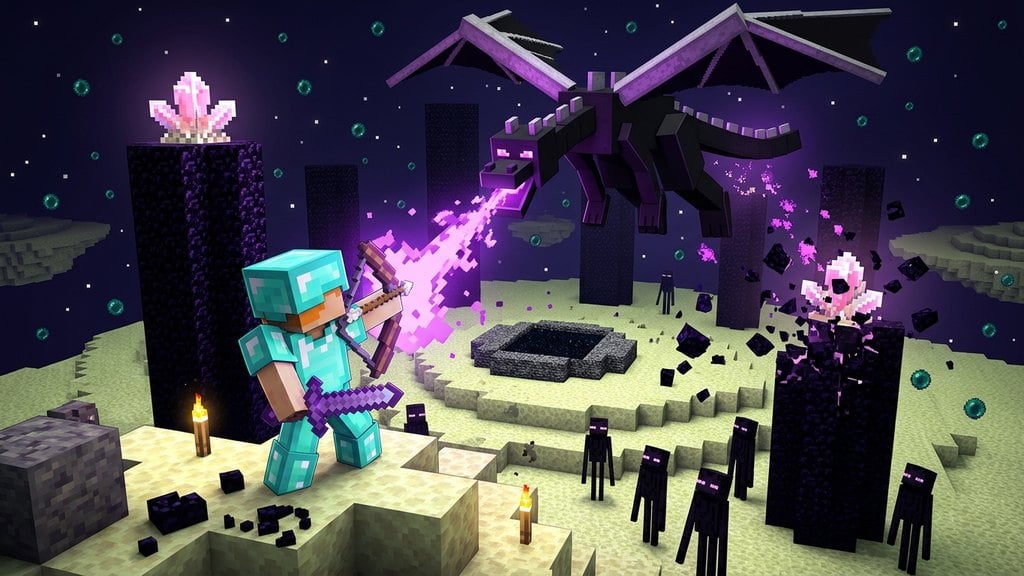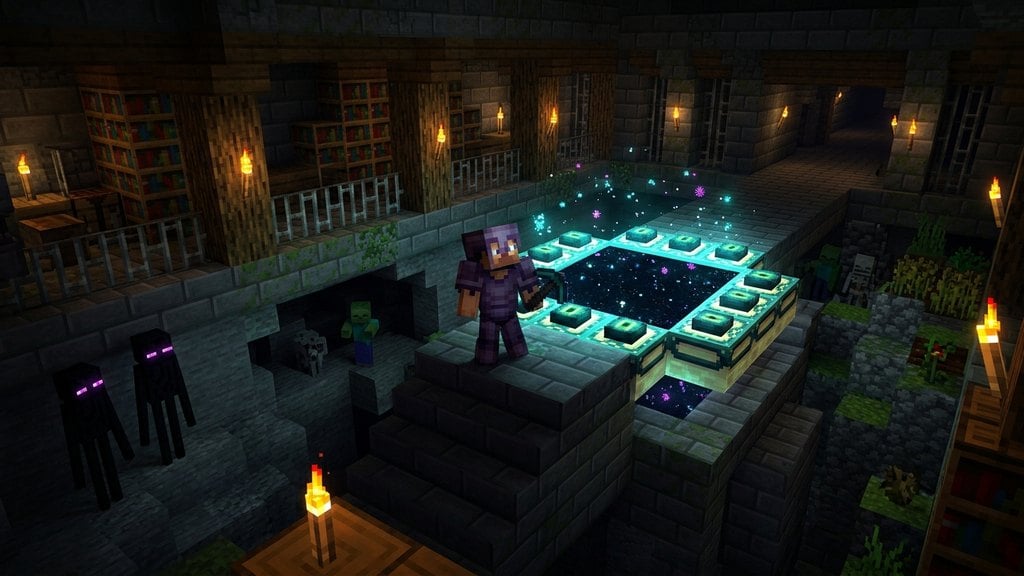
Building an End Portal allows you to travel directly to the End dimension to face the Ender Dragon and explore outer End islands. While End Portal frames cannot be mined or crafted in Survival mode, you can easily construct your own functional gateway in Creative mode by placing the frames with the correct orientation.
If the portal does not activate after placing all 12 eyes, one or more frame blocks were placed facing the wrong direction. Break the frames and place them again while standing strictly in the center.
Unlike a Nether portal, an activated End Portal cannot be turned off with water or broken with a pickaxe in Survival mode. The portal blocks can only be removed in Creative mode or with commands.
Obtain Portal Frames and Eyes of Ender
Open your Creative inventory and grab 12 End Portal Frame blocks and 12 Eyes of Ender. You can find both items in the functional blocks and items tabs, or by searching for them directly.
If you are playing in Survival mode, End Portal frames cannot be collected or crafted; you must instead follow our guide on How to Find the End Portal inside an underground stronghold.
Stand in the Center of Your Build Area
Find a flat area with at least a 5x5 clear space. Stand directly in the center where the portal's opening will be. End Portal frame blocks possess directional orientation, and their internal faces must point inward toward you to properly activate.
Place the 12 Frame Blocks Around You
Without moving from the central position, rotate your character in place and lay down rows of 3 frame blocks on each of the four sides. Leave all four corner spaces empty, creating a 3x3 hollow area surrounded by a 5x5 outer ring.
Check the top texture of each block: the decorative markings on top of the frames must run parallel to the portal edge, pointing directly into the center.
Step Outside and Insert the Eyes of Ender
Step out of the 3x3 center so you do not accidentally fall into the portal the moment it opens. Hold an Eye of Ender and right-click (or press the use button) on each of the 12 frame blocks to insert an eye into each socket.
Activate the Portal and Enter the End
Placing the twelfth Eye of Ender immediately triggers the portal, replacing the center 3x3 area with starry, pitch-black gateway blocks. Jump into the void to teleport to the End dimension and prepare for battle using our guide on How to Defeat the Ender Dragon.
Frequently Asked Questions
Can you build an End Portal in Survival mode?
No, End Portal frame blocks cannot be obtained as items in standard Survival mode, even when using a Silk Touch pickaxe. You must search for a naturally generated stronghold to reach the End.
Why won't my End Portal activate in Creative mode?
Frame orientation is almost always the cause. End Portal frames have an invisible facing direction. If you placed the blocks while standing on the outside looking in, they face the wrong way and will not trigger the portal.