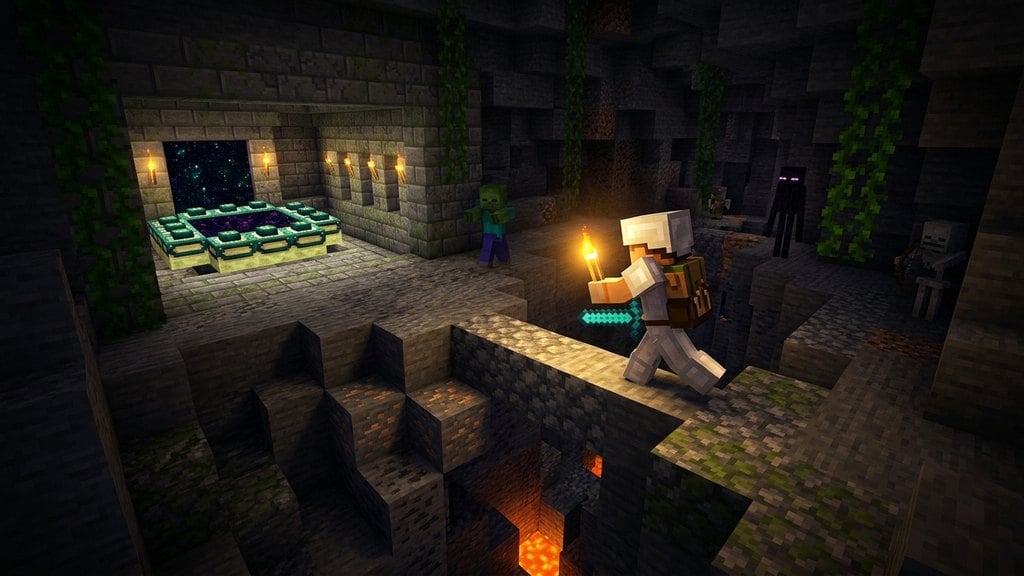
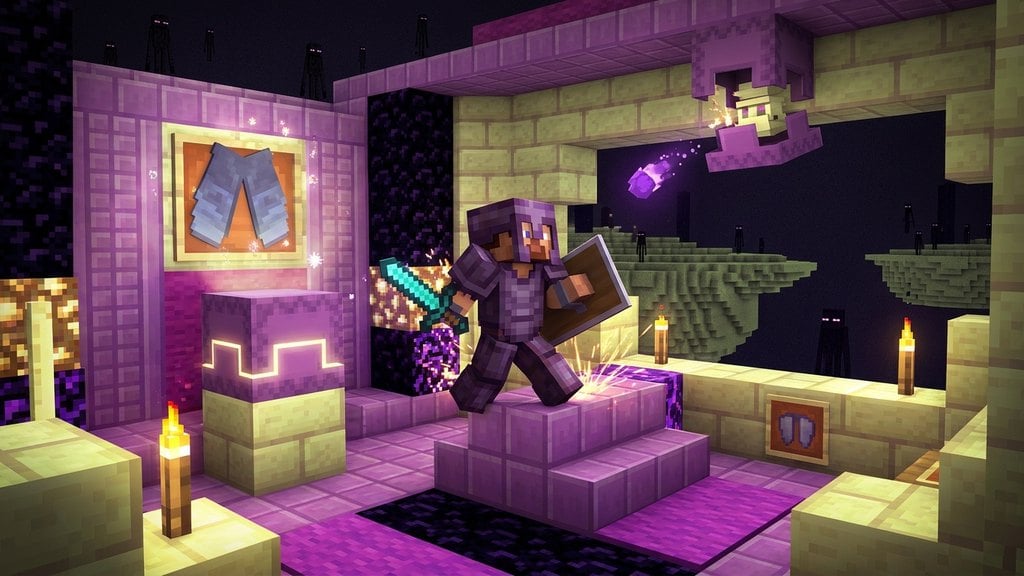
A Shulker Box is one of the most useful late-game storage items in Minecraft, allowing you to carry items inside your inventory without losing them when broken. To make one, you will first need to gather materials from the Outer End Islands by following steps similar to those in How to Find the End Portal and defeating the dragon.
Unlike normal chests, a shulker box retains all of its stored items when broken with a pickaxe, making it essentially a portable backpack!
If you try to place a shulker box inside another shulker box, the game will prevent it to avoid infinite nested storage exploits.
Defeat the Ender Dragon and Find Outer End Islands
Before you can craft a shulker box, you must travel to The End and defeat the Ender Dragon. Once the dragon is defeated, look for a small bedrock gateway portal that appears on the edge of the main island.
Throw an Ender Pearl through this gateway portal to teleport to the Outer End Islands, where End Cities and shulkers generate naturally.
Hunt Shulkers to Gather Shulker Shells
Explore End Cities and their surrounding towers to find Shulkers, which are mob enemies that hide inside purpur-colored shell blocks. Defeat two shulkers to collect at least two Shulker Shells.
Be careful when fighting shulkers, as their projectile bullets will inflict the Levitation status effect, causing you to float high into the air and take severe fall damage.
Craft a Standard Chest
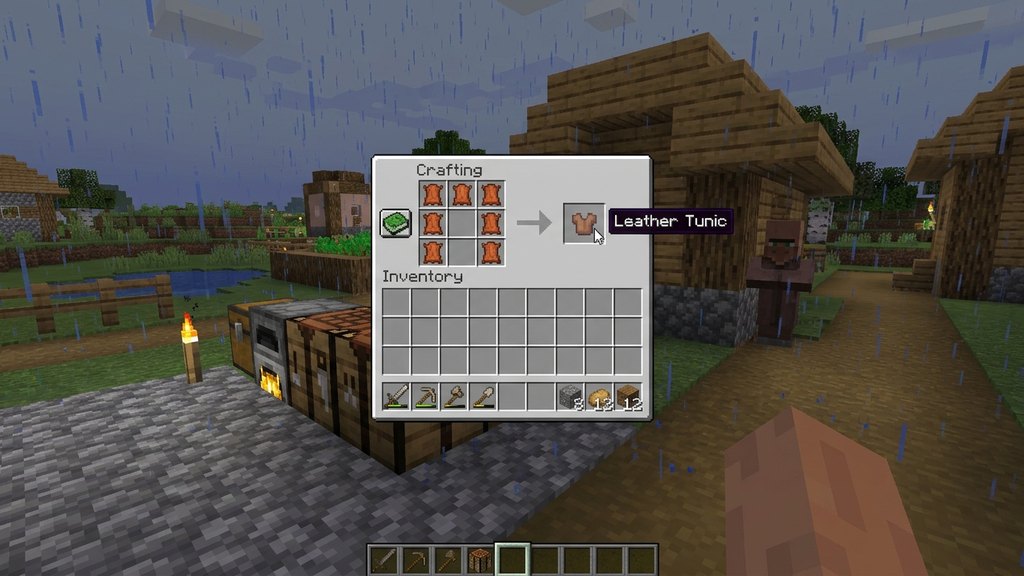
Next, you will need a regular wooden chest to form the base of your shulker box. If you do not have one ready, open your How to Make a Crafting Table interface and arrange eight wood planks in a circle leaving the center slot empty to craft a standard How to Make a Chest.
Combine Shulker Shells and a Chest
Open your crafting table and place one Shulker Shell in the grid slot directly above the chest. Place the second Shulker Shell in the grid slot directly below the chest.
In both Java Edition and Bedrock Edition, this vertical column recipe (Shell, Chest, Shell) will immediately yield one default purple Shulker Box.
Dye Your Shulker Box
You can customize the color of your shulker box to help organize your inventory and storage rooms. Place any dye alongside your shulker box in a crafting grid to change its color.
In Java Edition, you can even dye an already filled shulker box without losing the items stored inside, making color-coding your portable storage very convenient.
Frequently Asked Questions
Can I put a shulker box inside my Ender Chest?
Yes! Placing a shulker box filled with items inside your Ender Chest is one of the best ways to transport massive amounts of resources safely across dimensions without risking item loss upon death.
Do I lose my items if I break a shulker box with a pickaxe?
No. When you mine a shulker box with any tool (or even your bare hands), it drops as an item with all of its contents safely preserved inside.