Crafting items efficiently can save you valuable time when gathering resources and building large projects in Minecraft Bedrock Edition. By mastering the UI shortcuts, recipe book features, and quick-move controls, you can streamline your workflow and spend less time managing your inventory.
Using the search bar inside the Bedrock recipe book lets you type the name of the item directly, which is much faster than scrolling through dozens of categories.
Quick-crafting controls and UI layouts may vary slightly depending on whether you are playing Bedrock Edition on a mobile device, console, or Windows PC.
Use the Recipe Book Interface
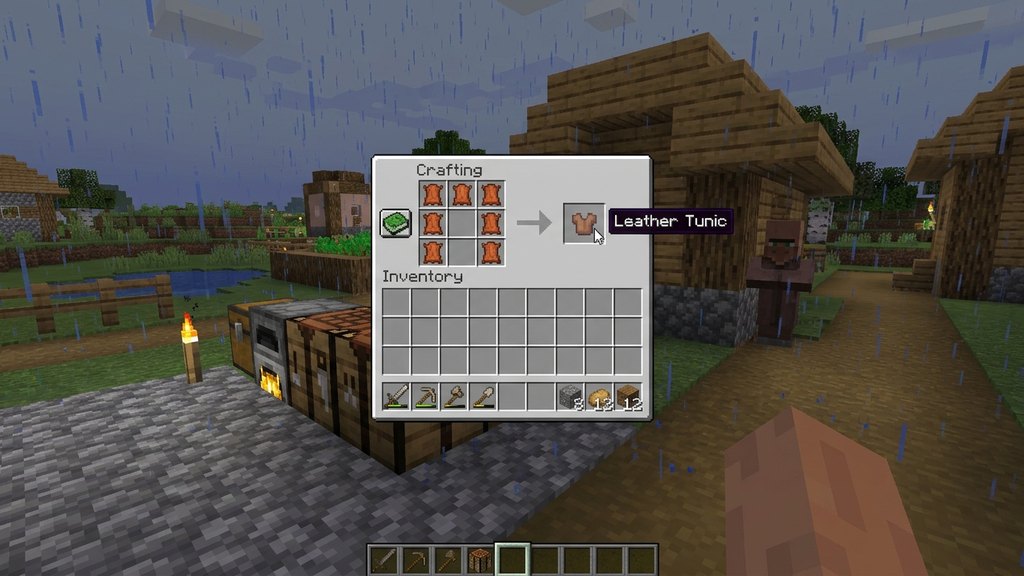
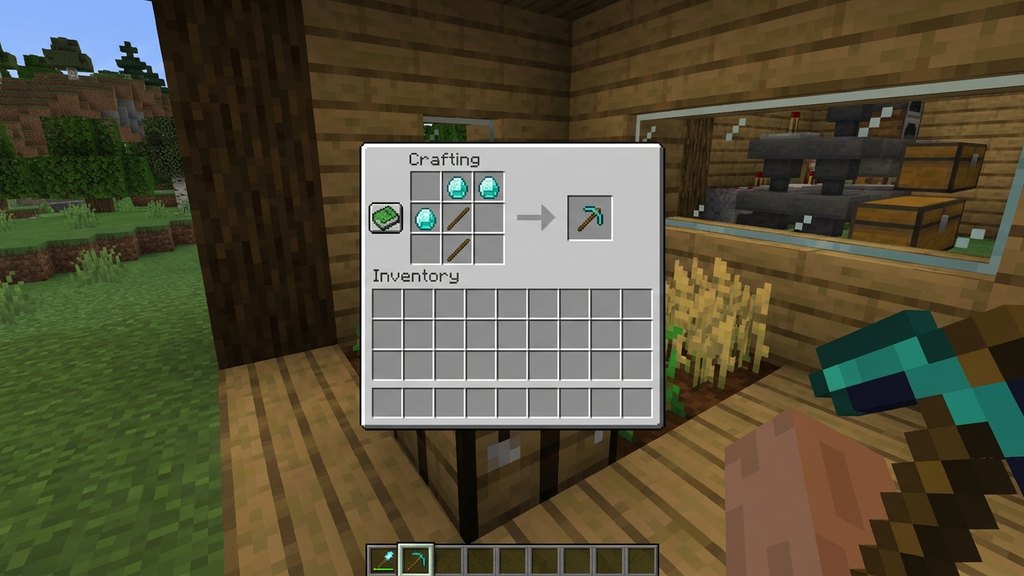
Open your inventory or a crafting table to access the built-in recipe book on the left side of the screen. Instead of manually placing items into a grid, simply click or tap on any available recipe icon to instantly load the ingredients.
If you have the correct materials in your inventory, the recipe will light up, allowing you to craft the item with a single tap without guessing or remembering patterns.
Filter Recipes by Availability
Use the small icons beneath the recipe book search bar to filter your view. You can toggle the book to show only the items you can currently craft using the materials in your inventory.
This prevents you from wasting time searching through locked recipes or trying to figure out why a craft isn't working, keeping your crafting session fast and focused.
Quick-Move Items with Controls
When transferring items between your main inventory, hotbar, and crafting grids, you can use quick-move shortcuts to avoid dragging items one by one. On touchscreens, double-tapping or using quick-transfer buttons speeds up the process.
If you are playing Bedrock on a PC with a keyboard and mouse, hold the Shift key while clicking an item to instantly move it into your crafting grid or chest.
Pin Important Recipes
Bedrock Edition allows you to pin specific recipes to your main game HUD for quick tracking. Right-click or use the controller shortcut on a recipe in the recipe book to pin it to your screen.
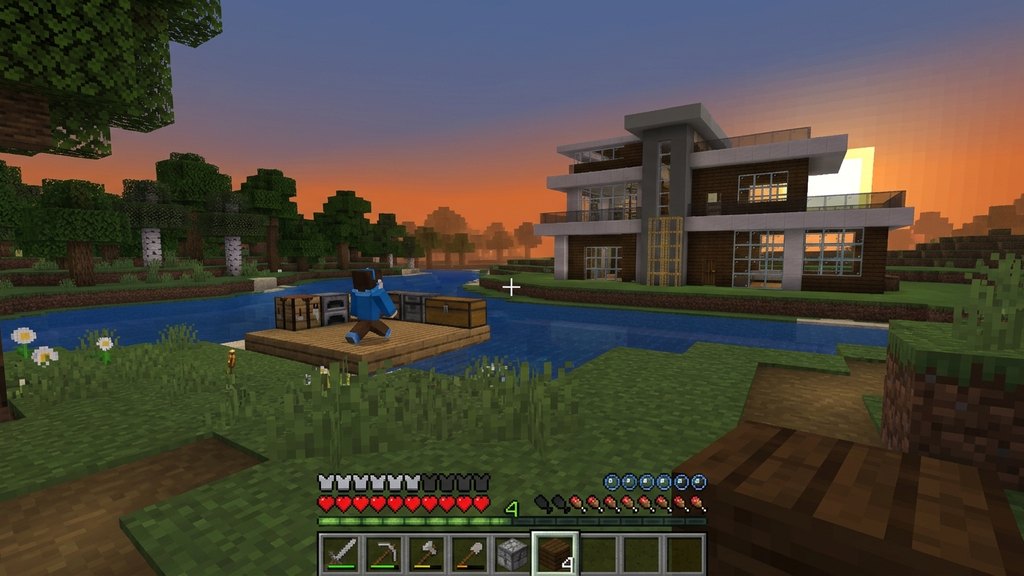
This handy feature lets you see your progress and gather the exact materials you need on the fly, similar to how you plan out large projects like when you learn How to Build a Modern House.
Batch Craft Materials
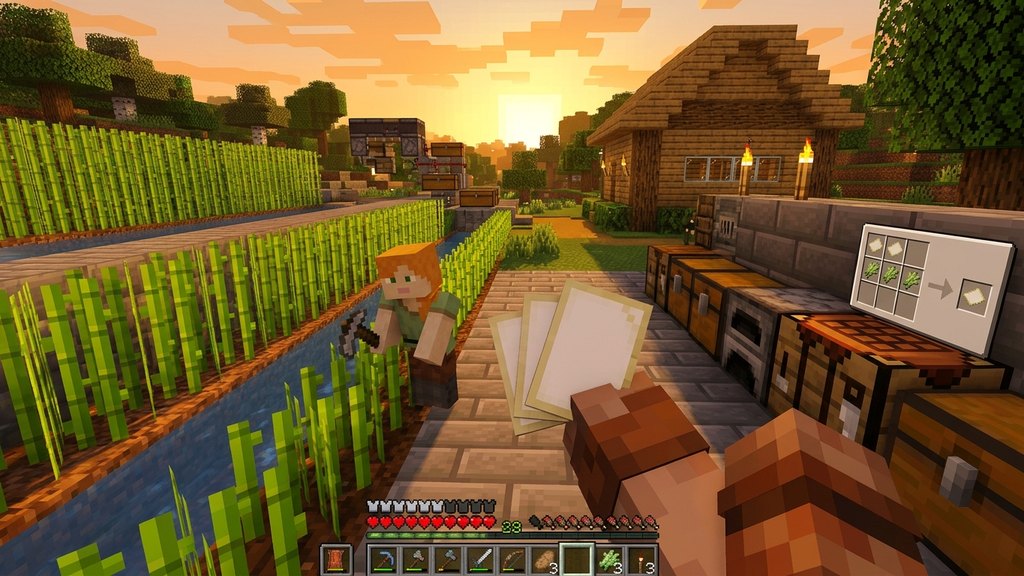
Whenever you are crafting basic building blocks, planks, or paper—such as the materials you need when following guides like How to Craft Paper—take advantage of batch crafting. Instead of crafting single items, check the maximum output number in the recipe book to craft stacks at once.
This reduces repetitive clicking and keeps your inventory organized with full stacks of blocks and components ready for your next adventure.
Frequently Asked Questions
Can I search for items by name in the Bedrock crafting menu?
Yes! The Bedrock Edition recipe book features a search bar where you can type keywords to instantly locate specific items and recipes.
How do I craft multiple items at once?
You can select the recipe multiple times or hold down the craft button depending on your input device to queue up maximum available crafts based on your current inventory.