In vanilla Minecraft, players quickly discover that a Name Tag does not possess a traditional crafting table recipe. Despite being uncraftable with raw materials, you can reliably obtain Name Tags in both Java Edition and Bedrock Edition through trading, fishing, and exploring loot structures, then customize them on an anvil to personalize your pets and prevent valuable mobs from despawning.
Try naming a sheep jeb_ to make its wool shift through a rainbow gradient, or name any mob Dinnerbone or Grumm to flip it completely upside down!
You cannot use a Name Tag on the Ender Dragon, and wandering traders cannot be prevented from despawning even when tagged.
Understand the Uncraftable Rule
You cannot craft a Name Tag on a crafting table in vanilla Minecraft without data packs or mods. Instead of gathering raw crafting ingredients, your goal is to acquire pre-made Name Tags through renewable mechanics like villager trading and fishing, or by exploring generated structures throughout your world.
Trade with a Master Librarian Villager
The most consistent and renewable way to get Name Tags is by trading with a Librarian villager. Place a lectern near an unemployed villager to assign the profession, then trade paper and books until the Librarian reaches the Master tier (Level 5).
A Master-level Librarian always offers a guaranteed trade of one Name Tag for 20 emeralds in both Java and Bedrock editions.
Catch Name Tags via Fishing
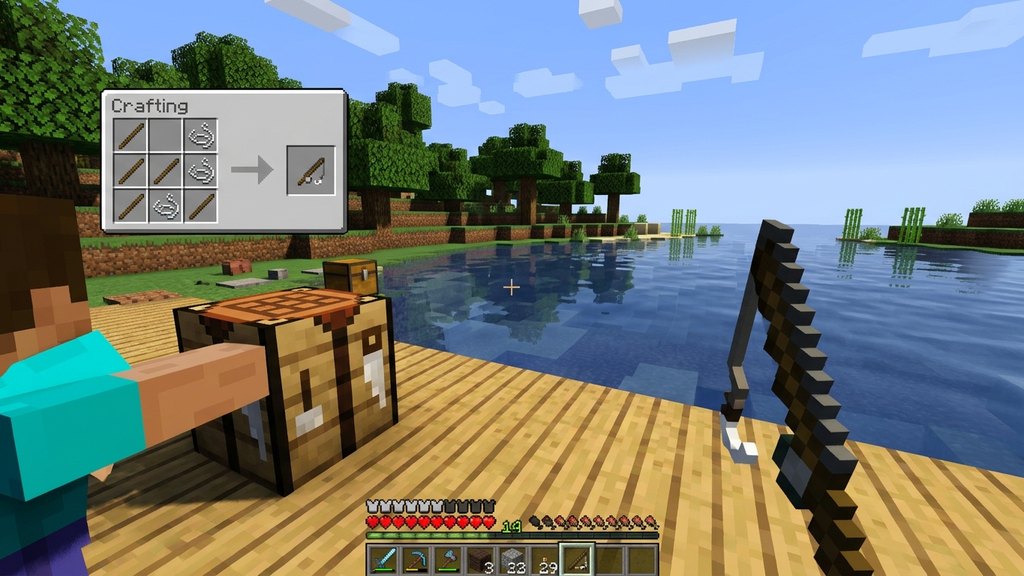
Name Tags are categorized as "Treasure" when fishing in open water. Craft a fishing rod and apply the Luck of the Sea enchantment to significantly boost your odds of reeling in treasure items.
Ensure you are fishing in an open body of water (at least a 5x5x4 area of water source blocks with clear sky access) so that the game allows treasure catches.
Loot Dungeons and Generated Structures
If you prefer exploration, search for loot containers inside underground dungeons, abandoned mineshafts, ancient cities, and woodland mansions. Dungeons and mineshafts have a relatively high chance of generating a Name Tag inside an ordinary treasure chest.
Rename the Name Tag on an Anvil
Before you can apply a Name Tag to an animal or monster, you must engrave a name onto it. Place an anvil on the ground and open its interface. Insert the Name Tag into the leftmost slot, click the text repair box at the top, and type in your desired name.
Renaming a Name Tag costs exactly 1 experience level. Once renamed, take the Name Tag out of the rightmost output slot.
Apply the Name Tag to Your Chosen Mob
Hold the renamed Name Tag in your main hand, walk up to your target creature, and press the Use button (right-click on PC, or the interact button on consoles and mobile). The tag will be consumed, and the nameplate will hover permanently above the mob's head.
Applying a Name Tag also prevents hostile and neutral mobs from naturally despawning, making it ideal for pet collections and farm sorting systems.
Frequently Asked Questions
Can you craft a Name Tag using iron and paper?
No. While many popular mods add crafting recipes using paper, string, or iron ingots, vanilla Minecraft does not have any recipe for crafting a Name Tag.
Do named hostile mobs still despawn?
No. Once you apply a customized Name Tag to a hostile monster like a zombie or skeleton, that monster will never naturally despawn, even if you move hundreds of blocks away.
Can you get a Name Tag back after using it on a mob?
No, using a Name Tag consumes the item permanently. If the named mob dies or is eliminated, it will not drop the Name Tag.